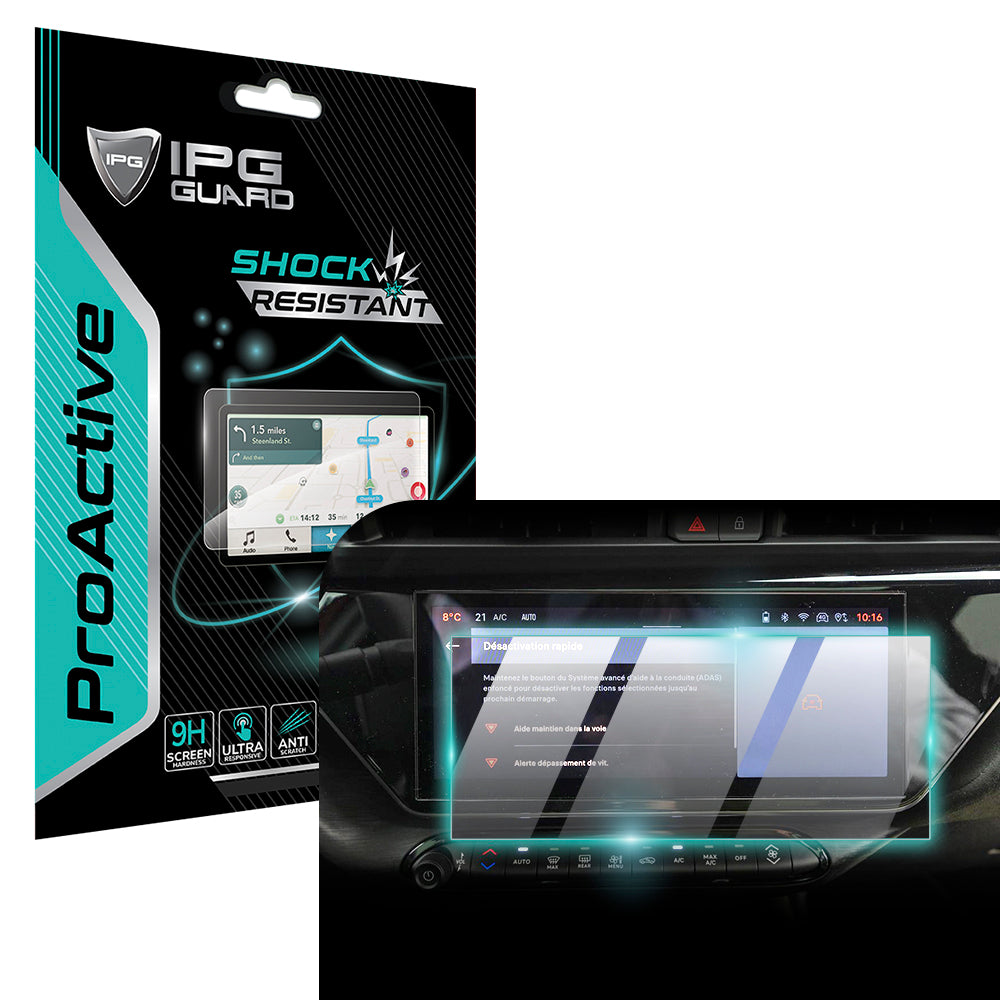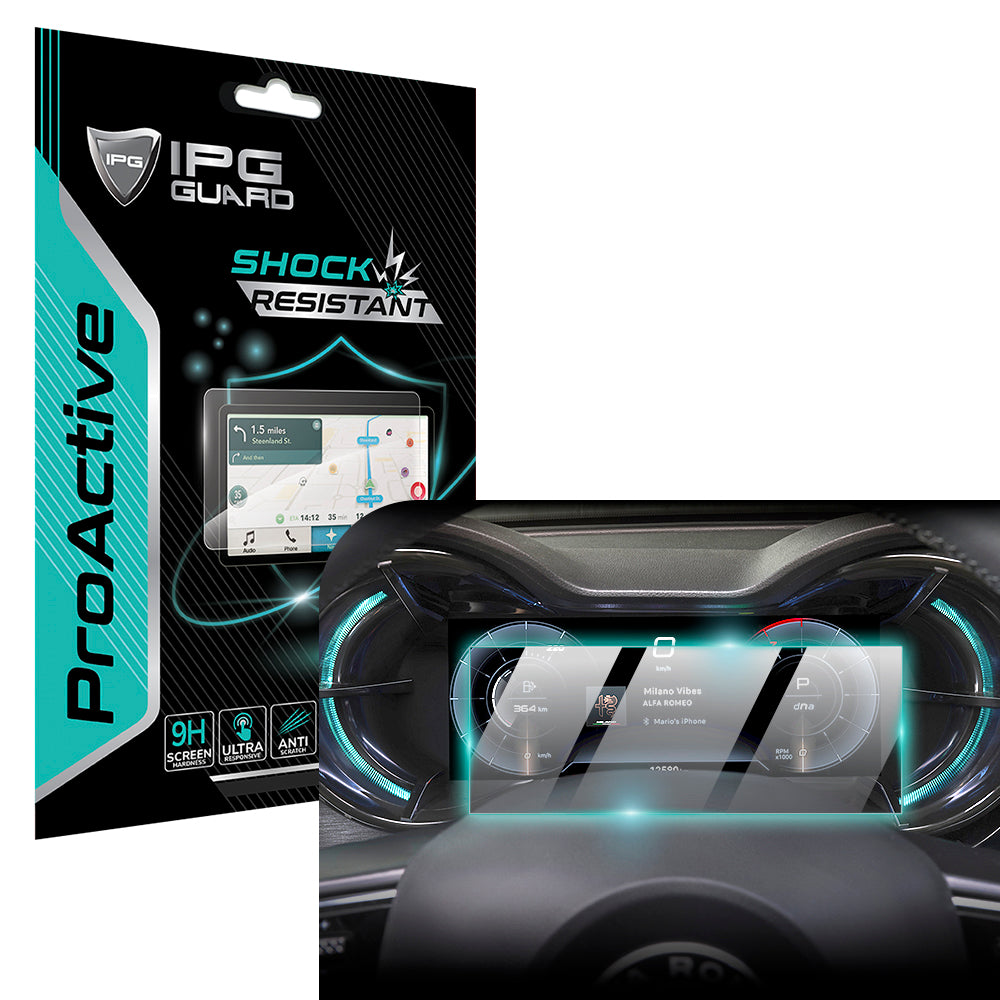

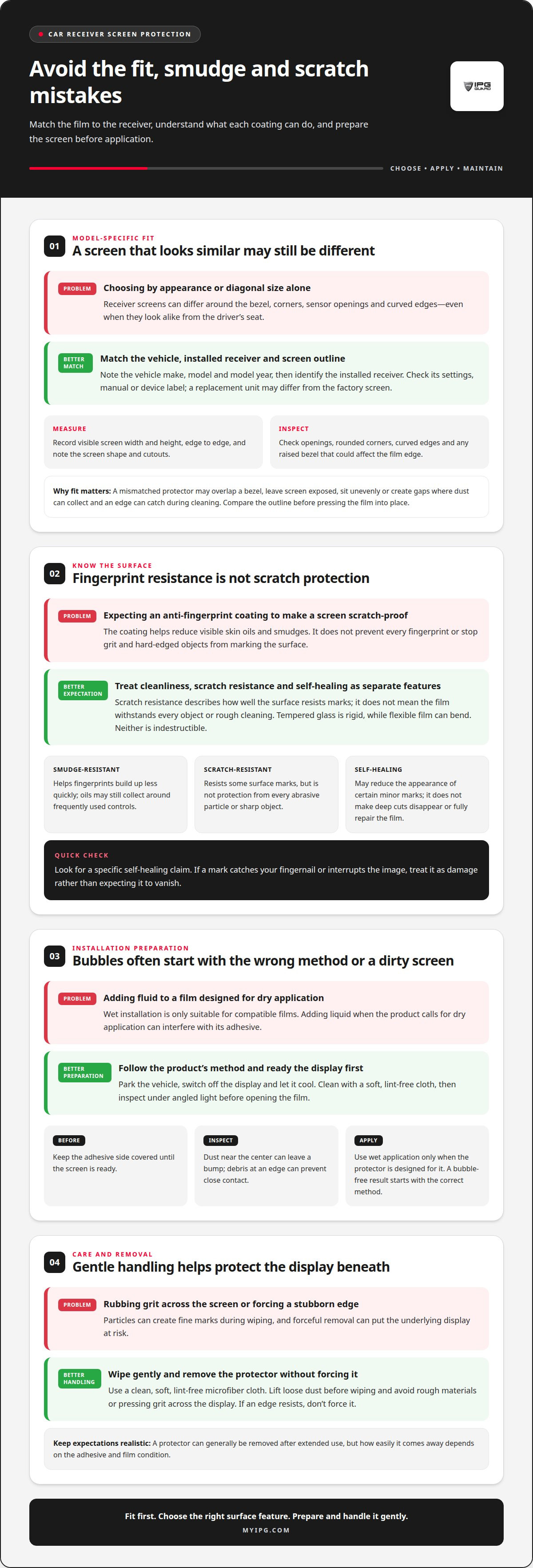
Removability matters as much as fit. An anti fingerprint car screen protector can generally be removed after extended use, but the adhesive and film condition affect how easily it comes away. Don’t force a stubborn edge. Careful removal helps protect the display beneath it.
It’s reasonable to want fewer fingerprints without compromising a screen you rely on every day. This guide explains how to choose a protector for your car receiver, prepare the display and apply the film with fewer bubbles. You’ll also learn what scratch resistance means, how matte and glossy finishes differ, how to care for the surface, and what to consider when removing the protector later.
Key Takeaways
- Choose a protector cut for your exact receiver model so it aligns with the display and preserves touchscreen access.
- Reduce bubbles by preparing a clean screen and applying the film carefully, working trapped air toward the edges.
- Understand the difference between scratch resistance and self-healing before relying on a film to conceal marks.
- Compare matte and glossy finishes for fingerprint visibility, glare, and screen clarity in your driving conditions.
- Remove an older protector gently; its condition and adhesive affect how easily it lifts from the display.
Scratch resistance and self-healing
Fingerprint resistance and scratch resistance solve different problems on a car receiver. An anti-fingerprint coating reduces visible skin oils and smudges, but doesn’t make the surface scratch-proof. After tapping a navigation button, for example, the display may look cleaner, but grit trapped beneath a fingertip can still mark the protector. Treat these as separate features when comparing films.
Smudge-resistant surfaces help fingerprints build up less quickly during routine touchscreen use. They don’t prevent every print, and oils can still collect around frequently used controls. Notice whether marks wipe away easily with a soft, lint-free microfiber cloth. The coating concerns surface cleanliness, not the material’s ability to withstand a sharp object or rough cleaning.
Scratch resistance describes how well a protector’s surface resists marks from contact. It doesn’t mean the film can withstand every key, abrasive particle, or hard-edged object. Tempered glass and flexible films also behave differently: glass has a rigid surface, while a flexible film can bend. Neither material is indestructible. A visible mark on the protector may be preferable to damage directly on the receiver, but protection depends on the film’s fit and condition.
“Self-healing” needs careful interpretation. The phrase generally refers to a film surface that can reduce the appearance of certain minor marks. It doesn’t mean deep cuts disappear or the material repairs itself completely. Don’t assume every anti-fingerprint protector has this property. Look for a specific self-healing claim for the product, and distinguish it from scratch resistance. If a mark catches your fingernail or interrupts the image, treat it as damage rather than expecting it to vanish.
How do you clean and maintain an anti-fingerprint car screen protector? Use a soft, lint-free microfiber cloth to lift fingerprints and dust, and avoid rough materials that could scratch the coating. Wipe gently instead of pressing grit across the display.
For example, if the screen looks hazy after a dusty drive, gently remove loose dust before wiping. Rubbing particles across the surface can create fine marks, even when the cloth feels soft. Keep the cloth clean, since embedded debris can make it abrasive. Check the display in angled light after cleaning. If haze remains in the same place, it may be a scratch or coating wear rather than a fingerprint. Repeated aggressive wiping won’t restore a worn surface. Choose protection based on the balance you need: fewer visible smudges, resistance to everyday contact, or a film designed to soften the look of minor marks. Each is a different performance goal.
Choosing a protector for a specific device model
A car receiver’s display shape matters as much as its overall size. Two screens can look similar from the driver’s seat yet differ around the bezel, corners, sensor openings, or curved edges. A protector made for the exact receiver model is more likely to align with the active display and avoid covering controls. Choose by vehicle and receiver details, not appearance alone.
How do you measure a car touchscreen to choose the right protector? Measure the visible display’s width and height, edge to edge, with a ruler, then note its shape and any cutouts. Use the receiver’s model information alongside the measurements, because matching dimensions alone may miss differences in borders and corners.
Start with the vehicle’s make, model, and model year. Then identify the installed receiver, since a previous owner or trim package may have changed the original unit. Find its model name or number in the receiver settings, manual, or device label. For example, a replacement touchscreen may not share the factory-installed display’s outline, even in the same vehicle.
Before choosing a film, record the display features that affect coverage:
- Visible area: Measure the flat, usable screen rather than the surrounding dashboard trim.
- Outline: Note whether the corners are rounded, the edges curve, or the display has an unusual contour.
- Openings: Locate any camera, sensor, button, or other feature that must remain unobstructed.
- Border: Check whether a raised bezel surrounds the screen and could interfere with a protector’s edge.
Compare those details with the protector’s stated vehicle and receiver compatibility. A listed match is more useful than a diagonal measurement alone. If the protector is cut for a different screen, it may overlap a bezel, leave part of the display exposed, or sit unevenly near a curved edge. Gaps can collect dust and make an edge easier to catch during cleaning.
Fit also affects daily use. A correctly aligned film should leave the receiver’s visible controls accessible and shouldn’t obstruct the display area. Before pressing it into place, compare the protector’s outline with the screen. Stop if an opening or edge clearly fails to align. Forcing the film can create a poor fit that’s difficult to correct.
For a model-specific choice, treat the vehicle details, receiver identification, and measured screen outline as one matching set. This helps distinguish lookalike displays and gives the protector a better chance of covering the intended area cleanly.
Wet installation and bubble removal
A wet installation uses a small amount of application fluid to help position a compatible film. It isn’t suitable for every car screen protector. Check the product’s installation method first: if it calls for dry application, adding liquid can interfere with the adhesive. A bubble-free result starts with using the correct method, not adding more fluid.
Prepare the receiver before opening the film. Park the vehicle, switch off the display, and let the screen cool. Clean the surface with a soft, lint-free cloth, then inspect it under angled light. Dust near the center can leave a visible bump, while debris at an edge can prevent close contact. Keep the film’s adhesive side covered until the screen is ready.
If the protector is designed for wet application, follow its directions for the fluid and amount. Don’t substitute household cleaner or spray liquid directly around the receiver. Fluid can run beneath the screen edge or into nearby controls. Keep the application area controlled, and avoid soaking the display or dashboard.
Use a deliberate sequence:
- Align first. Hold the film above the display and match its edges, openings, and corners before lowering it.
- Apply gradually. Set down one edge, then ease the rest onto the screen without stretching or folding the film.
- Move trapped air outward. Use the provided applicator, if supplied, and press gently from the center toward an edge.
- Recheck the perimeter. Look for lifted corners, trapped dust, or fluid collecting near the bezel.
Small air pockets and dust specks need different responses. A bubble without a visible particle may shift toward an edge with gentle pressure. A dark speck that stays in place is likely trapped debris. Pressing harder won’t remove it and may damage the film. Don’t lift the protector repeatedly unless its instructions allow repositioning. Each lift can expose the adhesive to dust.
For example, if a clear bubble remains near the lower corner, guide it outward with slow, even strokes. If a fixed dot remains in place, stop rather than grinding the applicator over it. Follow the product’s instructions for any settling time before using the touchscreen. Avoid pressing the display or testing touch response while fluid remains beneath the film.
Patience protects the fit. A clean surface, accurate alignment, and controlled pressure matter more than speed. If the protector is intended for dry installation, use that method instead. Wet application is not a universal shortcut to fewer bubbles.
Anti-fingerprint protection for car receiver screens
A car receiver’s screen collects fingerprints where drivers tap navigation, audio, and climate controls. An anti-fingerprint coating helps reduce visible smudges, so the display looks cleaner between wipes. It doesn’t eliminate fingerprints or the need for occasional cleaning. Repeated taps on a map, for example, can still leave marks, especially when fingers carry skin oils.
How much do anti-fingerprint car screen protectors cost in the United States? Cost depends on the protector’s material, construction, and fit for the receiver model. A precisely cut film for a specific display differs from a generic sheet that needs trimming.
Do car screen protectors affect touchscreen sensitivity, visibility, or built-in displays? A well-fitted protector designed for responsive touchscreen use can preserve normal taps without lag or ghost touches. Optical-grade clarity helps maintain the screen’s view, while film thickness, surface finish, and alignment affect the experience. Choose a protector intended for the exact display, not a similar-looking receiver.
Risks usually come from a poor fit, trapped debris, or unsuitable installation. A film that overlaps the bezel may lift at an edge; one that covers a sensor or control can interfere with its use. Dust beneath the film can remain visible, while a matte finish may change how the image looks. Correct alignment and a clean surface help reduce these problems.
- Fingerprint control: A surface coating reduces visible smears, but doesn’t make the screen self-cleaning.
- Touch response: Confirm the film is designed for touchscreen use, then test taps across the display after installation.
- Visibility: Compare clear and anti-glare finishes against how sunlight and reflections affect your receiver.
- Coverage: Match the protector to the receiver’s outline, openings, and active display area.
Built-in displays remain usable when the protector fits correctly and leaves functional areas clear. That includes the image, touchscreen controls, and any openings designed into the receiver face. For example, a film cut for a different trim or replacement unit may cover a border unevenly, even if its overall dimensions look close. Receiver model and display shape both matter.
Consider the conditions inside your vehicle. A glossy surface can preserve a clear view, while glare may be more noticeable under bright light. A matte coating can reduce reflections, but may alter the screen’s appearance. Anti-glare or hydrophobic coatings are features to compare, not guarantees against every reflection or mark. Choose for your receiver’s layout and the way you use its controls.
Before committing to a protector, weigh the main trade-off: a protective layer adds a surface that can itself collect marks, lift, or need replacement. A model-specific fit, suitable finish, and compatible installation method help prevent those drawbacks from undermining everyday use.
How do matte and glossy car screen protectors compare for fingerprints, glare, and clarity?
Matte and glossy finishes change how a car receiver screen looks under light. Matte surfaces diffuse reflections, which can make bright shapes less distinct. Glossy surfaces preserve a smooth, clear appearance, but may reflect windows or sunlight more sharply. Neither finish suits every dashboard. Compare the display in the lighting conditions you encounter, such as a bright daytime commute or a shaded garage.
For fingerprints, the coating matters alongside the finish. An anti-fingerprint car screen protector can reduce visible smudges, but neither matte nor glossy means mark-free. A driver who taps audio controls repeatedly may still see oils on the screen. Check how easily marks wipe away with a soft, lint-free cloth rather than judging by the finish name alone.
Matte texture can make reflections less distracting, but may soften fine details compared with a glossy surface. On a navigation map, that difference can affect the crispness of small labels. Glossy film generally keeps the image looking sharper, yet reflected light may compete with the map or backup-camera view. Optical-grade clarity is a useful feature to compare, not a promise that glare disappears in every position.
- Choose matte if reflections are your main concern, such as sunlight entering from a side window.
- Choose glossy if preserving a crisp image is your priority and reflections are manageable.
- Compare coatings because anti-glare and hydrophobic properties address different surface concerns.
- Consider your controls and the areas you tap most, since frequent contact can reveal fingerprints on either finish.
Before deciding, view your receiver from the driver’s seat. Check a map with small labels, a dark screen with bright icons, and the display under daylight. These examples reveal different trade-offs: matte may soften fine text, while glossy may show a reflected window. A protector’s fit and touchscreen response matter too, so don’t choose the finish alone.
For a practical choice, rank your priorities: fewer distracting reflections, a sharper-looking image, or easier-looking fingerprint cleanup. Then match the finish and coating to those priorities. If you want to explore screen-protection options, compare screen-protection options for a finish suited to your display.
My IPG
My IPG helps protect personal devices with screen and camera-lens protectors. The careful fit that matters for a car receiver also matters for a phone: match the protector to the exact device and keep the display or lens clear for everyday use.
Options include IPG iPhone screen protectors, IPG Samsung screen protectors, and phone camera-lens protection. Choose for the device you want to protect, then consider how its screen or camera is used and handled. A well-matched protector adds a layer between the device and daily contact while supporting routine use.
If you’re considering protection for another device, contact My IPG to discuss your needs.
Choose protection that fits your next drive
Start with the receiver you use every day. An anti fingerprint car screen protector should suit its display shape and your priorities, whether you want fewer visible smudges or a finish that handles reflections better. Choose based on how the screen looks and feels from the driver’s seat, not a feature label alone.
Think about your routine before selecting an anti fingerprint car screen protector. Frequent map and audio use may make fingerprint resistance important, while bright light can make glare control a priority. My IPG offers screen and camera protection for personal devices, including phone screen protectors and camera lens protectors.
Contact My IPG about your car screen protector to discuss what you want your display protection to do. A thoughtful match can help you feel more confident each time you use the controls.
Frequently Asked Questions
Can the film be removed after a longer period of time?
Yes, a screen protector can be removed after extended use. Lift an edge gently and peel the film back slowly rather than pulling sharply. Avoid metal tools, which can scratch the display. My IPG says its screen protectors can be removed easily and leave no sticky residue behind. If the film resists, stop and use a gentler approach instead of forcing it.
Is there anything I need to pay attention to during assembly?
Yes. Keep the receiver switched off while handling the screen, and work in a clean, well-lit space. Check that the protector’s cutouts align with the display before securing it. Don’t touch the adhesive surface, and avoid letting dust settle on the screen during fitting. Follow the product’s stated application method. Changing it can affect adhesion and make positioning harder.
What is the difference to tempered glass?
Tempered glass is a rigid glass protector, while PET film is a flexible plastic option. Hydrogel is another flexible film material. Their feel, thickness, and installation method can differ, so compare the specific product details rather than assuming all films perform alike. For example, a rigid protector may feel more like glass under a fingertip, while a flexible film bends more readily.
What does fingerprint-resistant protection do for a car screen?
An anti fingerprint car screen protector is a layer fitted over a vehicle touchscreen to help reduce visible fingerprint smudges. Its surface treatment can make skin oils less noticeable or easier to wipe away. It won’t prevent every mark, and it isn’t the same as scratch-proof protection. Consider this type of film for a receiver used frequently for maps, audio, or other touch controls.
Which car screen protectors fit popular infotainment systems and models?
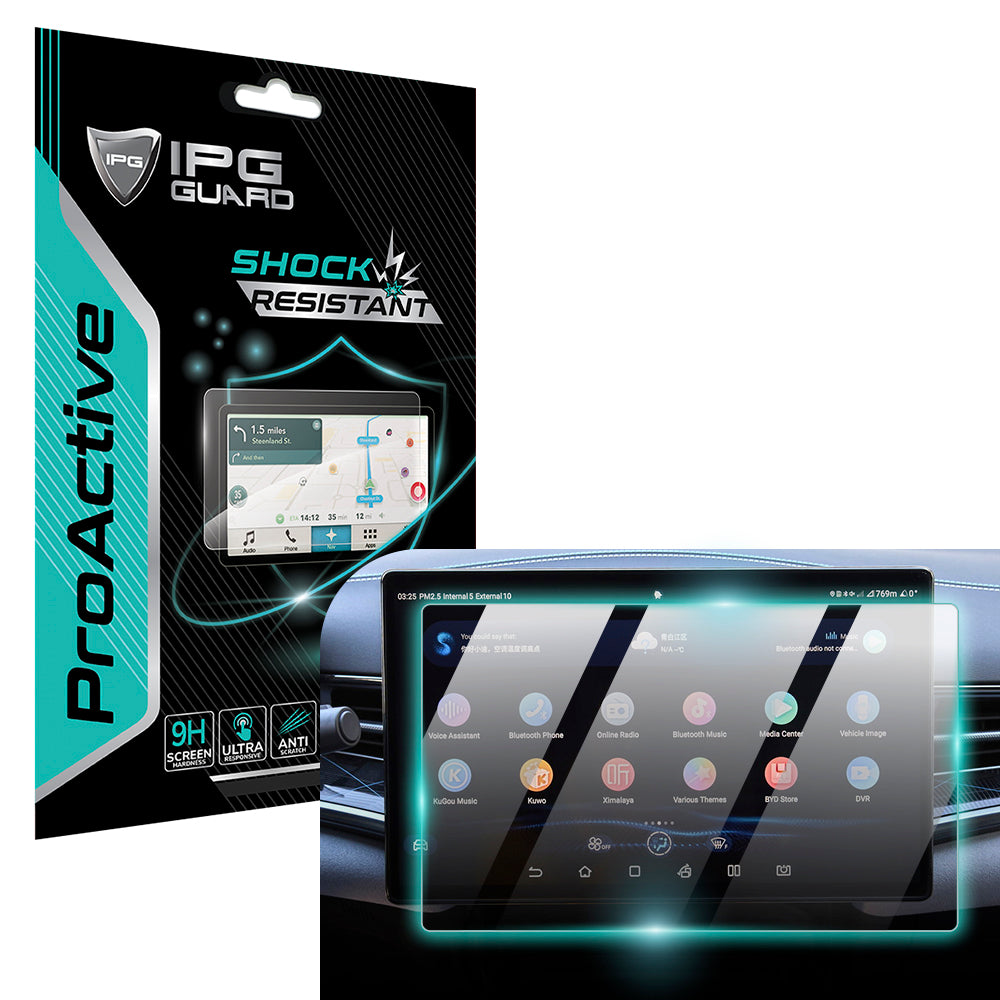
Choose a protector made for the exact vehicle and display, since similar infotainment screens can have different outlines or openings. For example, My IPG offers the IPG ProActive for BYD 2022‑2025 SEAL Navigation Display Screen Protector (15.6" inch). That product is specifically named for the BYD SEAL display. For other models, match the protector to the receiver and screen design.
What materials are used in car screen protectors, such as tempered glass and PET film?
Car screen protectors may use tempered glass or flexible films such as PET or hydrogel. Tempered glass is rigid, while flexible films bend more readily during handling. Material alone doesn’t tell you the finish, coating, or installation method. For example, two film protectors can differ in surface texture, so compare those details alongside the material when choosing for a receiver.
How do you install a car screen protector without bubbles or dust?
Use the installation method provided for the protector, and prepare the screen immediately before fitting. A clean, still workspace helps limit airborne dust, so avoid fans or open windows that can stir particles. Align the film before pressing it down. If an air bubble appears, guide it toward an edge with gentle pressure. A fixed speck is likely debris, so pressing harder won’t remove it.