
The phone case, not the protector alone, determines the fit. Camera lens protector case compatibility depends on whether the protector sits securely over your phone’s camera area without pressing against the case edge or being pushed out of place.
A fit that looks snug isn’t necessarily a good fit. If the case overlaps the protector, it can interfere with placement or lift its edge. The exact phone model matters too: camera layouts and surrounding space vary, so a protector made for another model may not align properly.
Assess the fit by checking your phone model, camera opening, protector edges, and case clearance. Look for signs of a poor fit, such as edge pressure, shifting, or a protector that won’t sit flat. A careful compatibility check helps protect the camera area without compromising how your case fits or feels.
Key Takeaways
- Start with the exact phone model; camera layouts can differ even between closely related models.
- Compare the protector’s shape and coverage with the case opening to spot potential interference before installation.
- After fitting, make sure the case sits naturally and the protector remains correctly positioned when the phone is handled.
- Choose a phone camera lens protector designed for your device to help protect the camera without disrupting your case setup.
Camera lens protector case compatibility
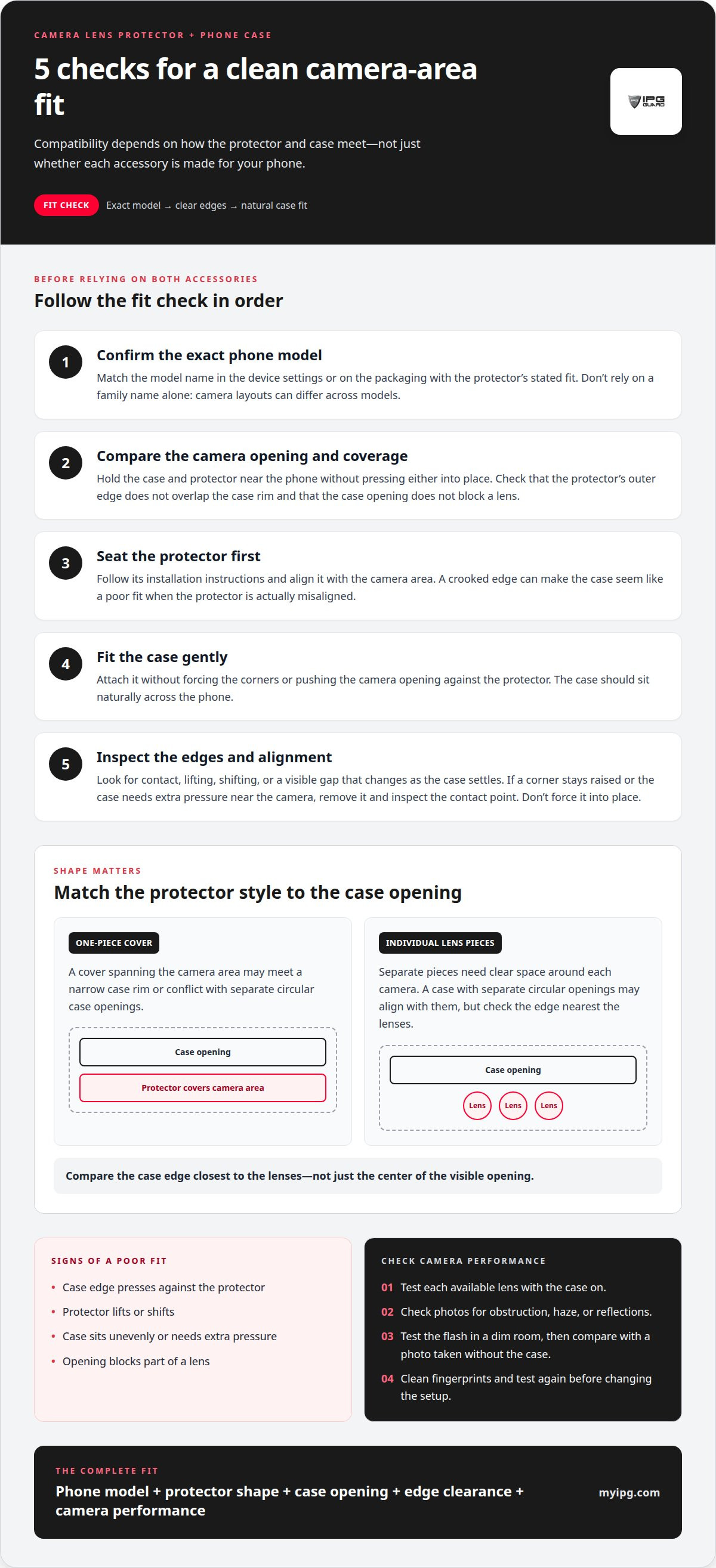
Assessing camera lens protector case compatibility means checking more than whether both accessories are made for your phone model. The protector and case must fit around the camera area without pressing against each other. Start with the exact device model, then compare the protector’s coverage and shape with the case opening. A case made for a similar phone may have a different camera cutout.
Identify the protector style before comparing it with the case. Some designs cover the camera area in one piece; others fit around individual lenses. A broad cover may meet a narrow case rim, while separate lens pieces need clear space around each camera. For example, a raised border around the case’s camera opening could touch a protector that extends close to the edge.
Use this fit check before relying on the accessories together:
- Confirm the phone model. Match the model name on the device settings or packaging with the protector’s stated fit. Don’t rely on a family name alone; camera layouts can differ across models.
- Compare the camera openings. Hold the case and protector near the phone without pressing either into place. Check whether the protector’s outer edge overlaps the case rim or its inner edge blocks part of a lens.
- Seat the protector first. Follow its installation instructions and align it with the camera area. A crooked edge can create a false impression of poor case fit.
- Fit the case gently. Attach it without forcing the corners or pushing the camera opening against the protector.
- Inspect the edges. Look for contact, lifting, shifting, or a visible gap that changes as the case settles.
The camera opening’s shape matters as much as its size. A rectangular opening may leave room around a single cover, but a narrow frame can press against its edge. A case with separate circular openings may align with individual lens protectors yet conflict with a cover spanning the full camera island. Compare the edge nearest the lenses, not just the center of the visible opening.
Check how the case sits across the phone after installation. If one corner stays raised or the case needs extra pressure near the camera, remove it and inspect the contact point. Don’t force the case into place. Pressure at an edge may shift the protector or prevent the case from sitting naturally. Recheck the alignment before trying again.
Test the camera in the conditions you encounter every day. Open the camera app and switch between its available lenses. Take a photo with each, then check the images for unexpected obstruction, haze, or reflections. Repeat the test with the case on. A protector may look centered while an edge, case rim, or smudge still affects the camera’s view.
Check the flash and focus separately. Take a photo with the flash in a dim room, then compare it with one taken without the case. If the flash creates an unusual reflection, inspect whether the protector or case edge is close to the flash opening. Clean fingerprints from the camera area and test again before changing the accessory setup.
For a reliable result, assess the whole combination: phone model, protector shape, case opening, edge clearance, and camera performance. A protector fitting the phone alone doesn’t answer the camera lens protector case compatibility question. If the case touches the protector, lifts near the camera, or affects photos, the combination isn’t a clean fit. Reassess the shape and alignment before carrying your phone.
My IPG
My IPG offers phone camera lens protectors for people looking for protection that works with a case. Start with your exact phone model, then compare the protector’s camera coverage with the case opening and edge clearance. This fit check helps you choose protection without forcing the case or disturbing the camera area.
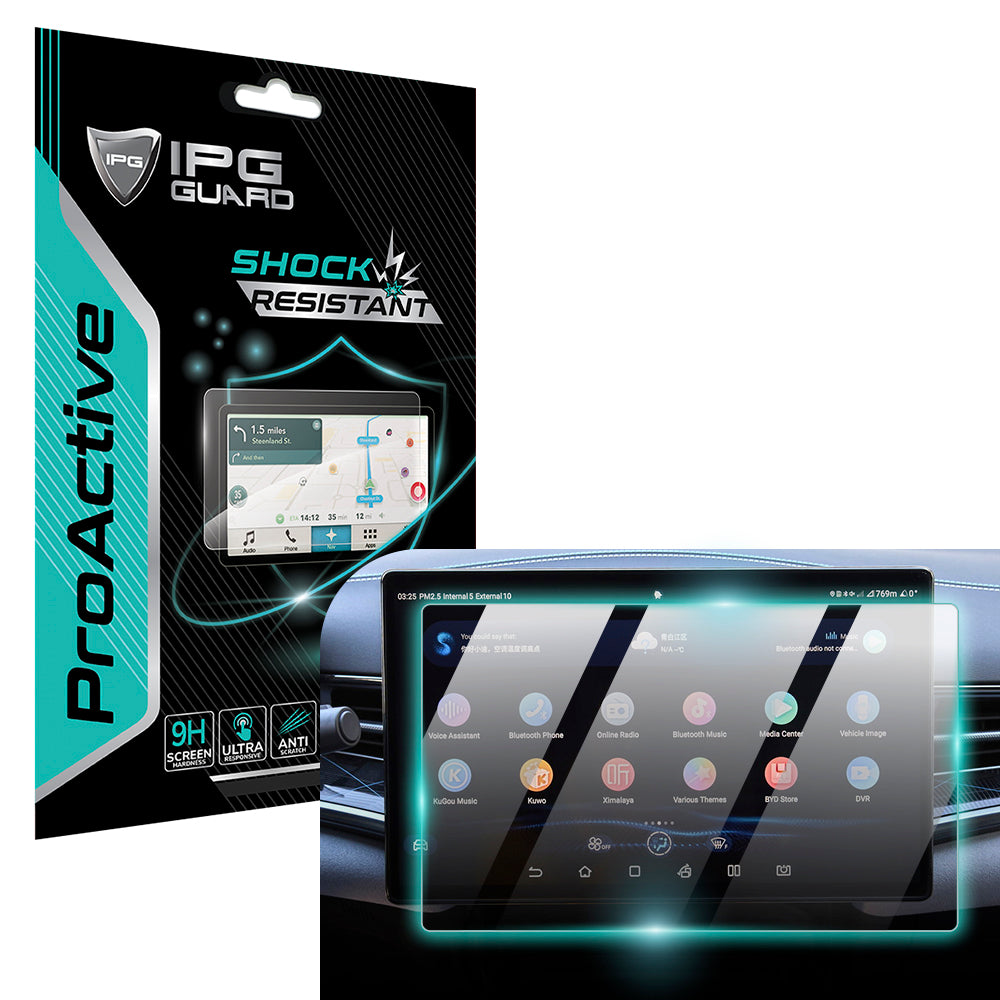
For iPhone users, My IPG also offers an iPhone screen protector. Other device-specific options include a navigation display screen protector for the BYD SEAL and a universal round watch screen protector. Each is designed for a different device, so choose the product category that matches what you want to protect.
If you’re ready to discuss your phone camera protection needs, contact My IPG.
Make Your Next Protection Choice With Confidence
Your setup may change when you replace a case or upgrade your device. Keep the exact phone model in mind when choosing a protector, and treat the case and camera protection as a single fit decision. Good camera lens protector case compatibility helps protect the camera area without compromising how your case sits.
My IPG offers an IPG Phone camera lens protector, an IPG iPhone screen protector, and an IPG Samsung screen protector. Choose the category that matches your device and protection needs. For phone camera protection, start by matching the protector to your exact model, then check its fit with your case.
Contact My IPG for advice about protecting your phone. A thoughtful fit starts with the right details, and you can take that next step with confidence.