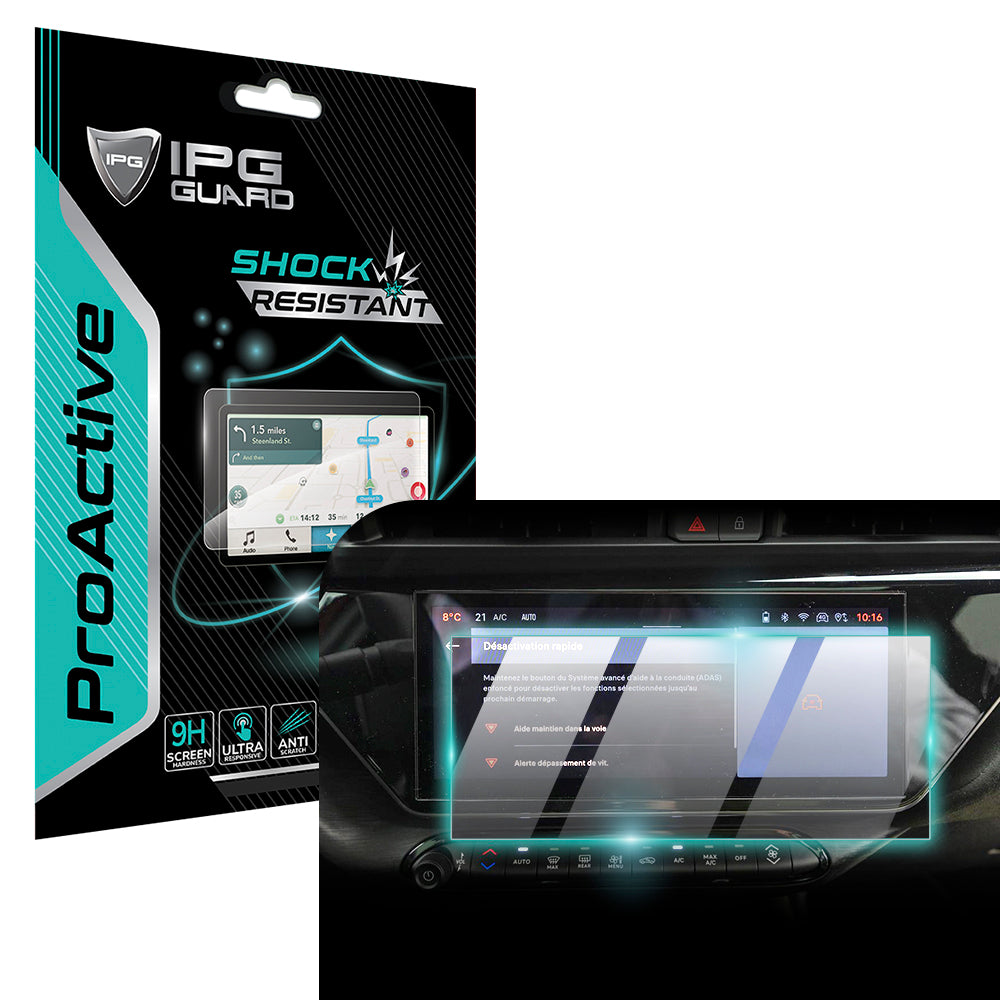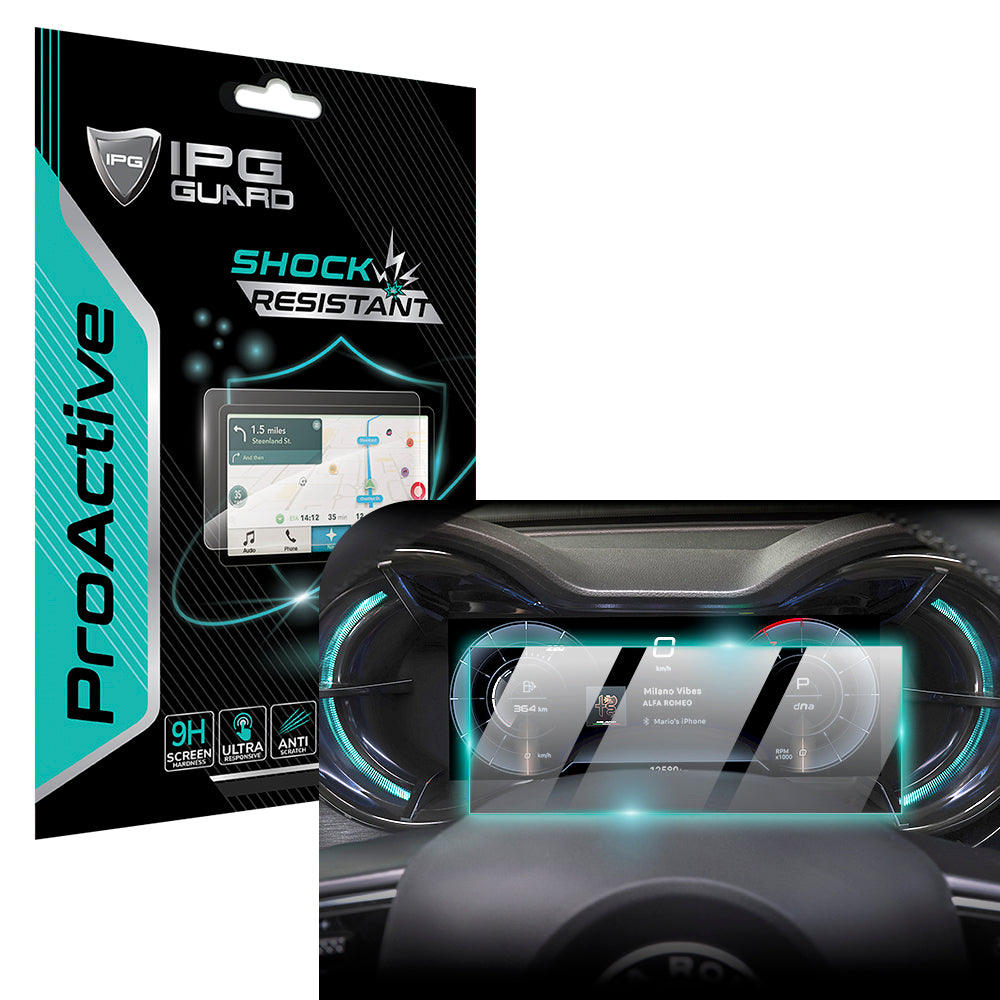
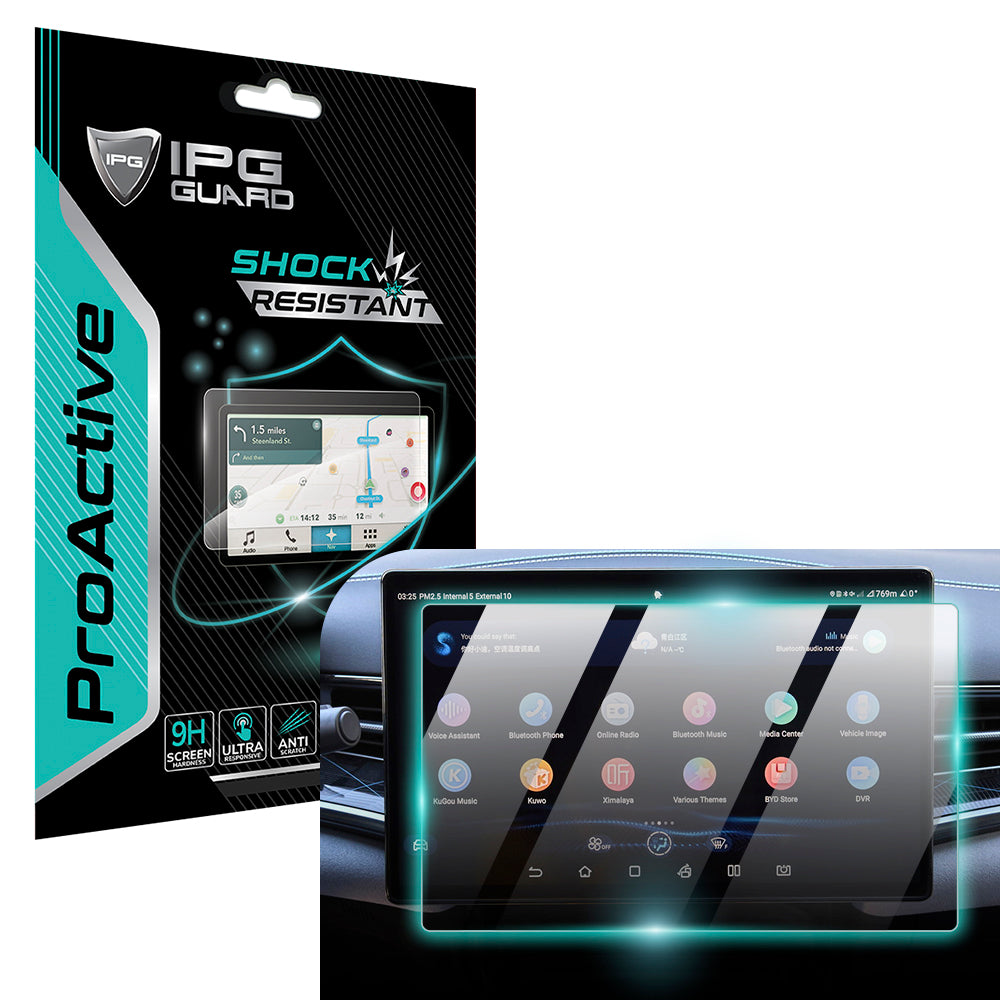


Could the wrong screen protector make a capable Autel scanner harder to use? An Autel scanner screen protector should help shield the display from workshop wear without making taps less responsive or the screen harder to read. A similar model name alone doesn’t guarantee a proper fit.
If you use your scanner regularly for diagnostic work, you want suitable screen coverage and clear access to the controls. This guide explains how to match a protector to your exact Autel model and what to compare before buying, including fit, touchscreen usability, screen clarity, and application. My IPG offers a screen protector for Autel MaxiIM KM100, MaxiCharger, and MaxiSYS MS909 and MS919 devices. Start by matching your scanner to the model names in the listing, then consider the product details that matter for how you use your device.
Key Takeaways
- Choose an Autel scanner screen protector by exact model compatibility, not brand name or screen size alone.
- Compare the listing’s stated coverage, material, touch-use details, and application method before choosing.
- Use a short pre-application checklist to prepare the display and follow the instructions supplied with your protector.
- My IPG offers an Autel screen protector for MaxiIM KM100, MaxiCharger, and MaxiSYS MS909 and MS919 devices. Match your scanner model to the listing.
Why an Autel Scanner Screen Protector Needs an Exact Model Match
Two Autel scanners can share a product-family name and still have different display dimensions or front-panel layouts. A protector selected by the wrong model name may leave part of the display exposed or overlap an area you need to use. A screen protector is a fitted layer intended to help shield the display during routine handling, and the right fit starts with the exact device model.
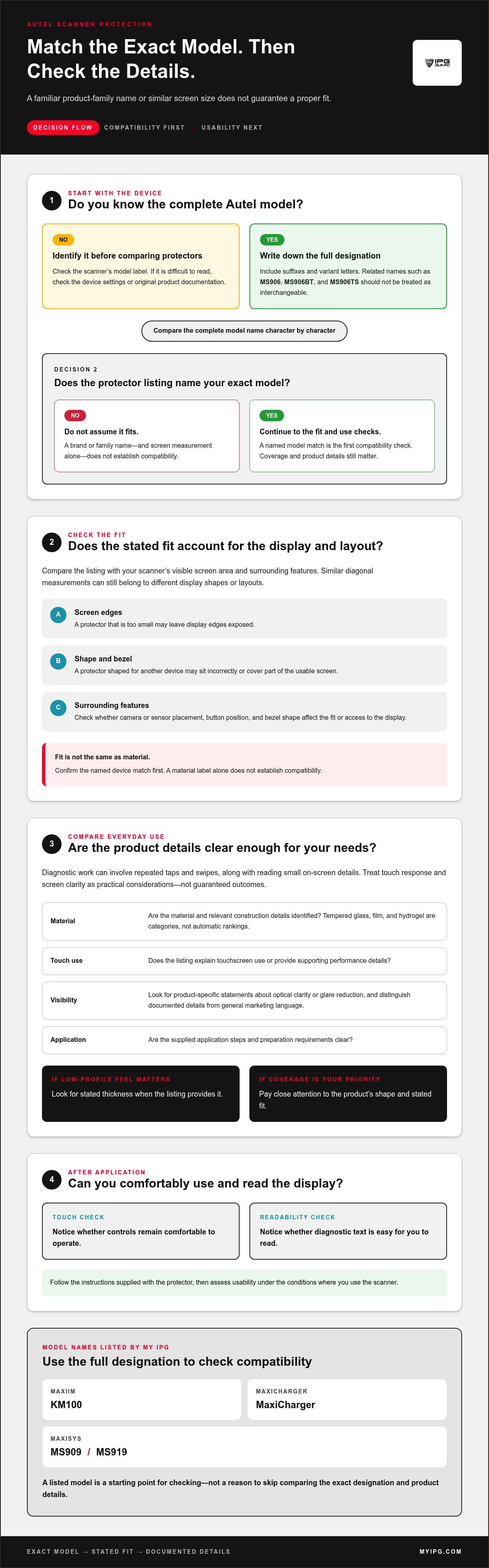
Matching the exact device model is the first compatibility check. Don’t treat a familiar MaxiSys or MaxiIM label as proof of fit. Find the complete model designation, then compare it with the compatible-model names in the protector listing.
How to identify the exact Autel scanner model
Start with the scanner in your hand. Look for a model label on the device, then check its settings or original product documentation if the label is difficult to read. Record the full designation, including suffixes and variant letters. Those details distinguish related models such as MS906, MS906BT, and MS906TS, which shouldn’t be treated as interchangeable based on the broader MaxiSys family name.
Write the model down exactly as shown. Screen size can narrow a search, but it doesn’t replace the model number. Devices with similar diagonal measurements may still differ in display shape or surrounding features. Search using the complete designation and compare it character by character with the listing.
Why screen dimensions and cutouts matter
A protector that’s too small can leave display edges exposed. One that’s too large or shaped for another device may cover part of the usable screen or sit incorrectly against the bezel. Differences in camera or sensor placement, button position, and bezel shape can also affect how a fitted layer sits. These details matter because they influence both coverage and access to the display.
Before choosing, compare the listing’s compatible models with your scanner. Check the full model name, not just a family label or screen measurement. If the listing names several models, make sure your specific designation is included. My IPG offers an Autel screen protector for MaxiIM KM100, MaxiCharger, and MaxiSYS MS909 and MS919 devices. Those model names provide a concrete starting point for checking compatibility.
Material is a separate consideration from fit. A protector’s composition can affect its characteristics, but a material label alone doesn’t establish compatibility. Look for a stated device match and product-specific information to support any performance claims. For background on the materials used in screen protectors, see Wikipedia’s overview. Follow a clear order: identify the exact scanner, verify the named fit, then compare the protector’s stated material and use details.
How to Compare Autel Screen Protector Fit and Usability
A useful comparison starts with compatibility, then considers how the protector may affect everyday use. Two listings can both mention Autel but describe different fits, materials, or installation steps. Read the product details rather than treating a familiar material label as proof that the protector will suit your scanner.
Model compatibility and material choice answer different questions: one tells you whether the protector is made for your device, and the other describes what it’s made from. Both matter, but neither replaces the other.
| Criterion | What to compare |
|---|---|
| Exact model | Does the listing name your complete scanner model and variant? |
| Display coverage | Does the stated fit account for the visible screen area and surrounding layout? |
| Material | Are the material and any relevant construction details clearly identified? |
| Touch use | Does the listing explain touchscreen use or provide supporting performance details? |
| Application method | Are the supplied application steps and preparation requirements clear? |
Tempered glass, film, and hydrogel: what shoppers should compare
Tempered glass, film, and hydrogel are material categories, not automatic rankings. A product’s thickness, flexibility, surface finish, and installation method can vary, so compare those details when the listing provides them. For example, if a low-profile feel matters to you, look for stated thickness. If coverage is your priority, pay close attention to the product’s shape and fit. Don’t assume a material name tells you everything about how a particular protector will feel or perform.
Look for product-specific details. If a listing makes claims about scratch resistance, flexibility, or other performance, check that its description supports them. Assess an Autel scanner screen protector by its stated model fit and documented features, not by assumptions about every product in the same material category.
Keep touch operation and display visibility in view
Diagnostic work can involve repeated taps and swipes, as well as reading small on-screen details. A protector may affect how the display feels or looks, so treat touch response and clarity as practical considerations, not guaranteed outcomes. Review the listing for specific statements about touchscreen use, optical clarity, or glare reduction. Distinguish documented product claims from general marketing language.
After application, follow the supplied instructions and assess the display under the conditions where you use the scanner. Notice whether controls remain comfortable to operate and diagnostic text is easy for you to read. These observations help you judge usability for your own work without assuming every protector performs the same way.
Use the comparison table to narrow your options, then let the specific product details guide your final choice. For a separate decorative browse, see robot-themed decorative pieces. This is separate from choosing protection for an Autel scanner.
Autel Scanner Protector Buying Mistakes That Lead to a Poor Fit
The biggest mistake is assuming a protector made for one Autel scanner will fit another. Shared branding or a MaxiSys or MaxiIM family name doesn’t establish identical screen shape, usable display area, or front-panel layout. A similar-looking product title can still refer to the wrong fit for your device.
Choose by the exact model wording, then assess material and other features separately. A listing may identify a compatible device without specifying finish, application items, or performance. Treat each detail as a product-specific claim. Don’t infer it from another protector or from the material category alone.
Choosing by screen size instead of full model number
Diagonal screen measurements can help narrow options, but they don’t describe the full display shape or surrounding space. Two scanners with similar measurements may have different usable screen areas or edge layouts. Compare the listing’s compatibility wording with the complete model designation on your device, including every suffix and variant letter.
A broad marketplace title that says “Autel MaxiSys” isn’t enough by itself. Look for your exact model in the product details. Don’t assume a listing that names one MaxiSys variant also covers another.
Assuming every protector has the same features
Material, finish, installation method, included application items, and warranty terms can vary by product. A title that mentions tempered glass or film doesn’t establish thickness, clarity, touch behavior, or other performance details. Use only statements supported by the specific Autel protector listing. Don’t transfer claims or warranty language from unrelated products.
My IPG offers an Autel protector for MaxiIM KM100, MaxiCharger, and MaxiSYS MS909 and MS919 devices. That compatibility wording identifies the models named for the product; it doesn’t, on its own, establish material or other technical specifications.
Use this quick comparison to weigh a precise device match against your material preference:
| Choice | Pros | Considerations |
|---|---|---|
| Exact model match | Connects the product listing to a named scanner model. | Still review stated coverage and product details. |
| Preferred material | Lets you prioritize the material category you want. | A material preference alone doesn’t prove fit or performance. |
| Screen-size-only selection | Can help narrow a search. | Doesn’t confirm the model, display shape, or cutout placement. |
Make the exact device match your starting point, not a last-minute check. Then compare the listing’s stated coverage and features with what matters for your work. If a claim about finish, touch use, installation, or protection isn’t supported in that product’s details, treat it as unknown rather than assuming it applies.
A Practical Checklist for Buying and Applying an Autel Screen Protector
Use this checklist before ordering and again before application. A few deliberate checks can help you avoid a mismatched protector and make installation more controlled. Follow the instructions supplied with your chosen product, because application steps and included items can vary.
Before ordering: confirm fit and product details
- Identify your scanner. Record its complete model designation from the device label, settings, or original documentation. Include suffixes and variant letters.
- Compare compatibility. Match that designation against the product listing’s named compatible models. Don’t rely on the Autel name or screen measurement alone.
- Review the specifications. Check the stated material, display coverage, application method, and any package contents explicitly listed. Keep the model information and product details in front of you as you compare.
For general context on display protection and application, explore this screen protector guide. Use it alongside the instructions for the specific product you choose, not as a substitute for them.
Before applying: prepare the scanner display
- Prepare the screen. Choose a clean, well-lit, low-dust work area. Follow the product instructions for suitable cleaning materials, then remove visible dust before positioning the protector.
- Apply carefully. Handle the adhesive or film as directed and align it with care. If placement becomes difficult, pause and follow the supplied correction guidance rather than pressing ahead.
Preparation matters. Dust or hurried alignment can interfere with a neat application, while the right method depends on the protector. Don’t assume every Autel scanner screen protector uses the same cleaning steps, accessories, or placement technique. Follow the instructions for your product.
Once applied, inspect the display and edges under good lighting. If you notice a placement issue, use the product-specific guidance rather than improvising with tools or materials that aren’t mentioned. Careful handling helps keep the screen accessible for diagnostic work.
My IPG offers an Autel screen protector for MaxiIM KM100, MaxiCharger, and MaxiSYS MS909 and MS919 devices. Compare your scanner’s complete model name with the product listing before ordering. For a separate decorative browse, explore robot-themed decor.
My IPG's Autel Scanner Screen Protector and Your Next Step
Use those model names as a starting point, then compare your scanner’s complete designation with the product listing. Review the details for that specific protector, and don’t infer material, warranty, or durability features from another product.
Who should consider a model-specific Autel protector?
Technicians and owners who use an Autel scanner regularly for diagnostic work may want a protector selected for their particular device. A model-specific listing helps narrow the choice by fit first, so you can assess other preferences using the product’s stated details. It doesn’t establish a particular level of scratch, impact, or chemical resistance unless that claim is supported by the product information.
Use this final check before you decide:
- Read your scanner’s model designation. Use the name shown on the device, in its settings, or in the original documentation.
- Match it to the listing. Look for the same model name, including any variant details.
- Review the product’s own information. Base your decision on the material, coverage, and other features stated for that protector.
- Keep fit and preferences separate. Confirm compatibility first, then weigh any listed features against how you use the scanner.
This sequence keeps the decision grounded in details you can verify. It also prevents a familiar product-family name or a preferred material from standing in for an exact compatibility match.
Browse My IPG's collection
The linked robot-themed collection is separate from Autel scanner protection. Explore it for decorative products, not to select a diagnostic-screen protector.
Browse robot decoration and protection.
For an Autel scanner screen protector, start with the exact model match. Compare your scanner’s designation with My IPG’s product details, then choose based on the features stated for that protector. Browse My IPG’s Autel screen protector for MaxiIM KM100, MaxiCharger, and MaxiSYS MS909 and MS919 devices and check the model names against your scanner before choosing.
Make Your Next Protector Choice With Confidence
Before you place an order, make one small habit part of caring for your diagnostic equipment: keep the scanner’s complete model designation with your product notes. If you replace or upgrade the device later, that record gives you a clear starting point instead of relying on memory or a familiar family name. Choose an Autel scanner screen protector by matching the device first, then use the listing’s stated details to guide your decision.
For a separate browse beyond diagnostic equipment, explore My IPG’s robot decoration and protection collection. This collection is for robot-themed products, not Autel scanner protectors.
With your model details in hand, you’re ready to make a more informed choice. Compare your scanner with My IPG’s Autel protector listing and choose the model-specific screen protection that fits your diagnostic tool.
Frequently Asked Questions
How do I find the exact model of my Autel scanner?
Check the model name printed on the device or shown in its system information. If you can’t locate it, consult the original documentation or purchase record, which may preserve the full designation. Copy the name exactly, including letters after the main number. Before ordering, compare your note with the protector listing; don’t rely on a saved search or an old order for a different scanner.
Will one screen protector fit every Autel MaxiSys scanner?
No. MaxiSys is a product family, not a single screen shape or device model. For example, MS909 and MS919 are specifically named models to check against the listing, rather than assuming a protector for one covers every MaxiSys scanner. Before buying, compare your scanner’s full designation with the listing and check for variant details that distinguish your device from a related model.
Can a screen protector affect an Autel scanner's touchscreen?
It can influence how the display feels or appears, but the result depends on the particular protector and scanner. Check the product information for explicit touchscreen-use and clarity details instead of treating compatibility as proof of identical touch response. After application, test familiar actions such as selecting a menu and scrolling through live data. If operation seems different, consult the product instructions before adjusting or removing the protector.
Is tempered glass or film better for an Autel diagnostic scanner?
Neither material is automatically the best choice for every technician. Compare the product’s stated thickness, flexibility, finish, coverage, and application method where those details are provided. Consider your own priorities: a low-profile feel may matter more to one user, while another may focus on the listed coverage. Use product-specific information, not general assumptions about glass or film, to make the comparison.
How do I apply a screen protector without trapping dust or bubbles?
Reduce the chance of dust and bubbles by working in a clean, well-lit, low-dust area and following the instructions supplied with your protector. Prepare the display only with suitable cleaning materials described in those instructions. Align the protector carefully and don’t rush the placement. If dust or a bubble appears, pause and use the product’s correction guidance rather than lifting or repositioning it in a way the instructions don’t recommend.
Can I use a protector listed for the Autel MaxiIM KM100 on another model?
Don’t assume it will fit another scanner. My IPG’s Autel listing names the MaxiIM KM100, MaxiCharger, and MaxiSYS MS909 and MS919. Use the listing’s compatibility wording to compare your exact device. A shared brand or similar-looking screen isn’t enough to establish a match. If your scanner has a different model name, choose based on compatibility information that specifically covers that model.
How do I clean an Autel scanner screen after applying a protector?
Follow the cleaning directions supplied with the protector and the scanner’s own care guidance. As a cautious routine, power the device down if its instructions recommend it, then wipe gently with a clean, soft cloth. Don’t spray liquid directly onto the display or use abrasive materials unless the product guidance explicitly allows them. If residue remains, avoid stronger cleaners until you’ve checked the relevant instructions.