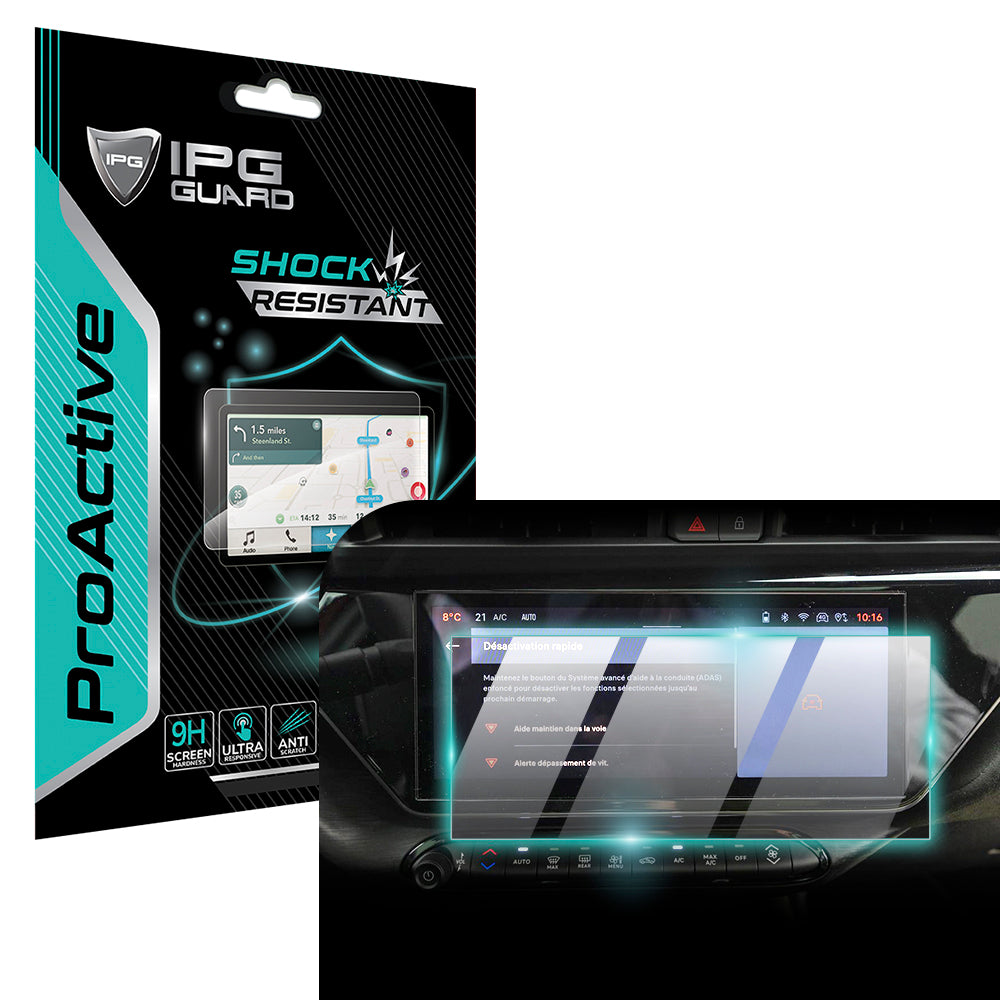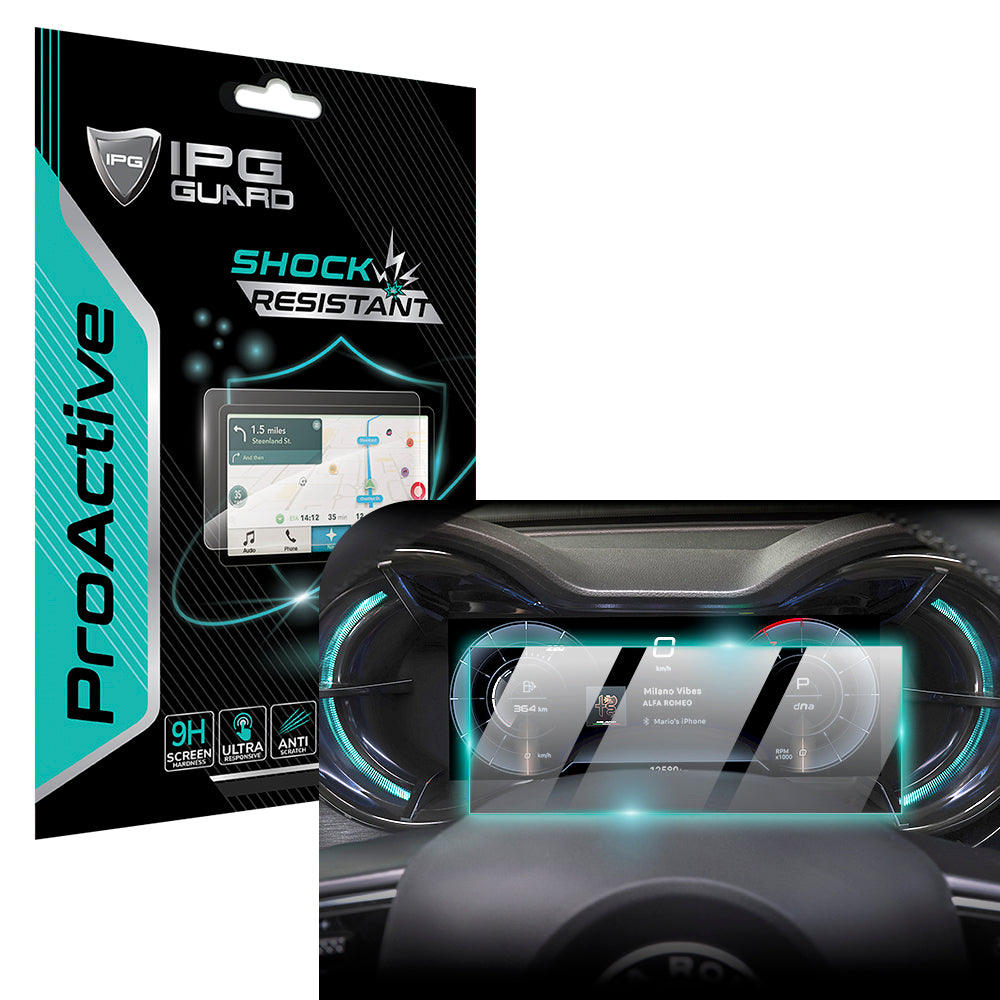
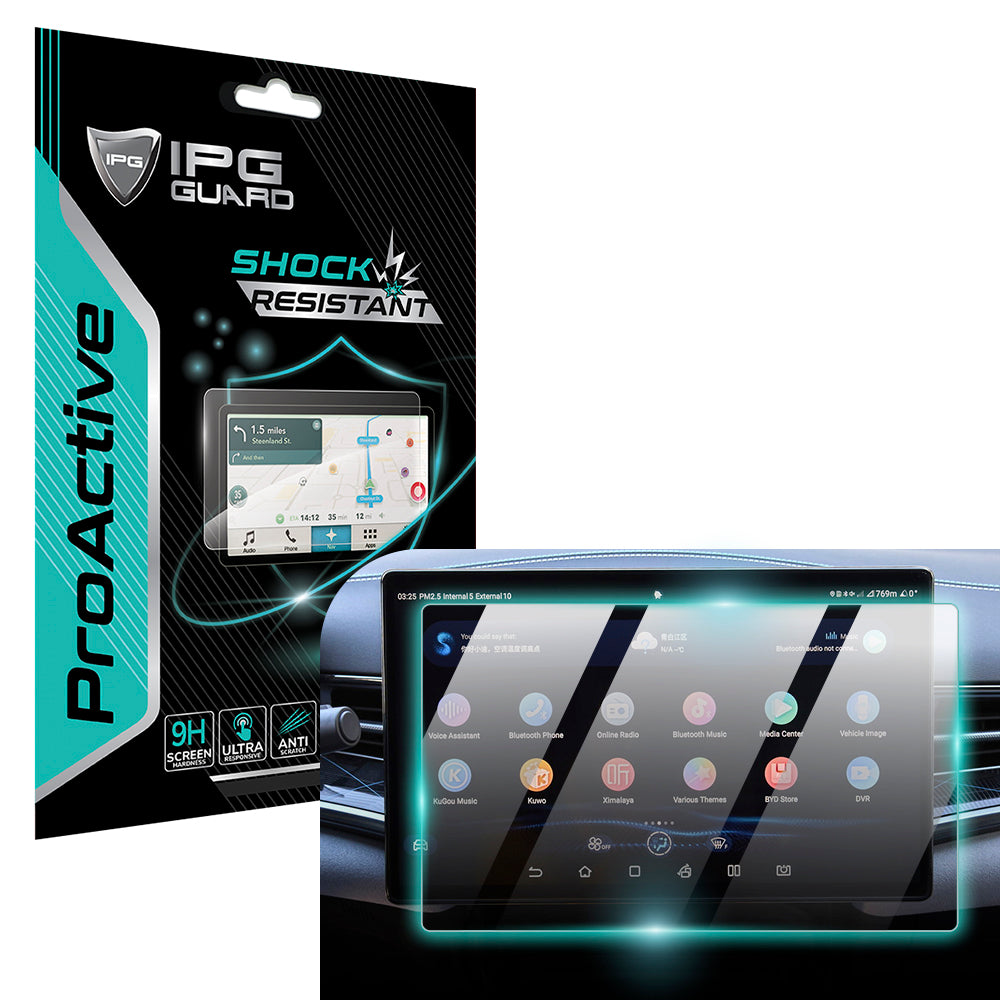

What if the standard glass cleaner in your garage is actually dissolving your dashboard's most expensive component? Most drivers treat their touchscreens like a kitchen window, but these displays are precision optical systems with delicate, multi-layered coatings. Learning how to clean car infotainment screen surfaces correctly is the difference between a factory-fresh interior and a permanent, cloudy mess. You likely worry about oily fingerprint smudges that won't quit or using a chemical that might strip away the anti-glare finish forever.
We understand the need to protect your investment. This 2026 guide provides the master method for a safe, streak-free shine without compromising your screen’s integrity. You'll discover which household items are toxic to electronics, the specific microfiber specs required for scratch-free results, and how a high-quality protective film acts as a sacrificial layer against daily grime. It's time to restore that high-definition clarity and ensure your technology remains guarded against the elements. Let's dive into the professional workflow for a pristine display.
Key Takeaways
- Modern automotive displays utilize delicate anti-reflective coatings that require specialized care beyond standard glass cleaning protocols.
- Master the safe 3-step professional method for how to clean car infotainment screen surfaces using dry-lift techniques and high-gsm microfiber.
- Eliminate "The Forbidden Four"-ammonia, alcohol, bleach, and abrasives-to prevent irreversible purple tinting and coating degradation.
- Use the "Steam Technique" to safely loosen stubborn organic residues without resorting to high-pressure scrubbing or toxic solvents.
- Install a My IPG ProActive sacrificial film to provide a high-performance barrier against fingerprints while maintaining original screen clarity.
Why Car Infotainment Screens Require Specialized Care
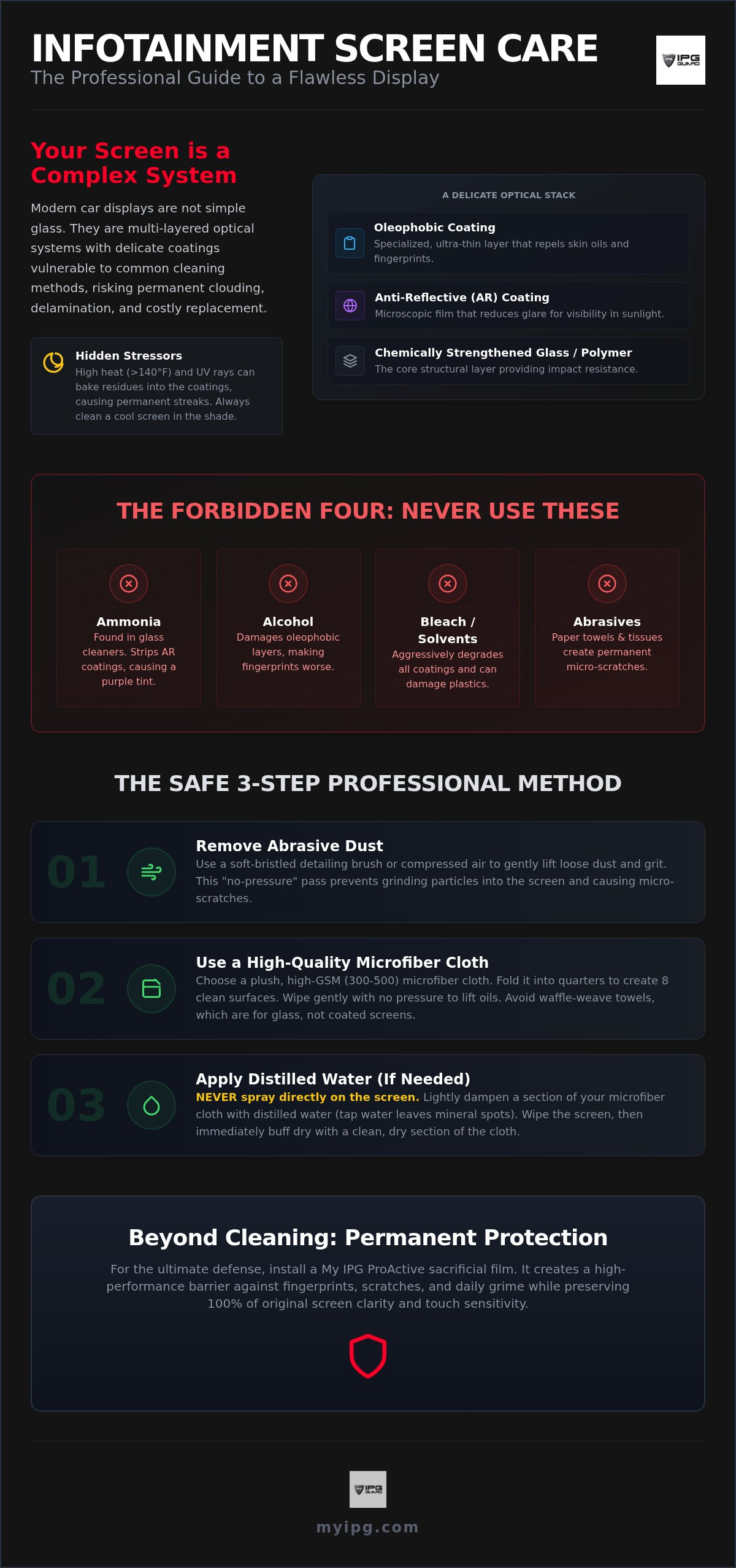
Your dashboard isn't a window. Modern infotainment systems are sophisticated optical stacks. They utilize complex composite materials, such as high-impact polymers and chemically strengthened glass, designed for extreme touch sensitivity and light management. Understanding how touchscreens work reveals why these units are so vulnerable. They consist of multiple layers bonded together, including conductive grids and specialized chemical treatments. If you treat it like a household mirror, you're risking a multi-thousand dollar replacement. Learning how to clean car infotainment screen components safely starts with acknowledging this technical complexity. Protect the stack. Preserve the finish.
Manufacturers apply an anti-reflective (AR) coating to ensure visibility in direct sunlight. This layer cancels out light bounce at specific wavelengths. Alongside it sits an oleophobic layer, a specialized oil-repellent finish meant to minimize the impact of skin oils. These coatings are incredibly thin. Screen delamination occurs when aggressive chemicals strip these functional layers, causing the bond between the display and its protective top sheet to fail permanently. This isn't just a smudge; it's structural damage. Once the layers separate, the screen becomes unreadable and unresponsive.
The Vulnerability of Anti-Glare Coatings
Anti-glare treatments are microscopic chemical deposits. They aren't thick shields. They're delicate films measured in nanometers. Physical abrasion is the primary enemy of display clarity. Using a rough paper towel or a dirty rag creates micro-scratches that scatter light. This leads to a "clouding" effect where the screen loses its deep blacks and looks hazy. When you research how to clean car infotainment screen surfaces, you'll find that maintaining these coatings is the top priority for long-term clarity. Once these coatings are partially removed, the visual performance is compromised forever.
Heat and UV: The Hidden Stressors
Vehicle cabins in 2026 reach extreme temperatures. Modern glass surfaces and interior materials trap heat, often pushing dashboard temperatures above 140 degrees Fahrenheit. This intense heat alters the surface chemistry of your display. Cleaning a "hot" screen is a recipe for disaster. Liquid cleaners evaporate instantly, leaving behind mineral deposits and chemical residues. UV rays then bake these residues into the coating. This interaction creates permanent streaking that no amount of buffing can fix. Always ensure the cabin is cooled and the display is at room temperature before starting your maintenance routine.
The Safe 3-Step Method for a Streak-Free Display
Effective maintenance requires a disciplined sequence. Most people fail because they rush the process. Before you start, remember the cardinal rule: never spray any liquid directly onto the panel. Modern dashboards house sensitive electronic components just millimeters behind the bezel. Direct spraying allows gravity to pull moisture into the internal circuitry, leading to expensive shorts or permanent dead pixels. Protect your technology by controlling the application of moisture from start to finish.
Step 1: Removing Abrasive Dust
Dust is not just unsightly; it's abrasive. It often contains silica and environmental grit that act like sandpaper under pressure. If you wipe a dusty screen immediately, you're grinding these particles into the anti-glare coating. Use a soft-bristled detailing brush or a puff of compressed air to lift debris first. This "no-pressure" pass ensures the surface is clear of solids before any physical contact occurs. It's a small step that prevents permanent micro-scratches.
Step 2: Choosing the Right Microfiber
Your choice of fabric determines the safety of your display. Never use paper towels or facial tissues. These are made from wood pulp fibers that are too coarse for delicate optical layers and will leave micro-scratches over time. Instead, opt for a high-GSM (grams per square meter) plush microfiber cloth. A rating of 300 to 500 GSM is ideal for automotive screens. While waffle-weave cloths are excellent for glass windows, plush versions provide better oil absorption for deep fingerprints. Fold your cloth into quarters. This gives you eight fresh surfaces to work with, ensuring you don't redeposit oils as you move across the screen. For those seeking the safest screen cleaners, high-quality microfiber is the primary tool in your arsenal.
Step 3: The Distilled Water Standard
Tap water is a hidden enemy. It contains minerals like calcium and magnesium that leave behind stubborn white spots once the water evaporates. These spots can eventually etch into the coating if left untreated. Use only distilled water to maintain a factory finish. If you're dealing with greasy residue or sticky spills, a 50/50 mix of distilled water and white vinegar is acceptable, provided you dampen the cloth first. Never soak the fabric; it should feel barely moist to the touch. A lightly misted microfiber is sufficient to break down oils without risking liquid runoff into the dash. This controlled application is the professional standard for how to clean car infotainment screen surfaces without damage.
Mastering these steps preserves your vehicle's resale value and daily usability. If you want to simplify this routine and add an extra layer of security, consider applying a high-performance screen protector to create a durable, easy-to-wipe barrier that keeps the original display factory-fresh.
Common Mistakes: What Never to Use on Your Touchscreen
Good intentions often lead to expensive repairs. Learning how to clean car infotainment screen hardware properly means knowing what to avoid as much as what to use. Many owners reach for whatever is under the kitchen sink, but standard household cleaners are formulated for architectural glass, not sensitive electronics. Avoid "The Forbidden Four" at all costs: Ammonia, Alcohol, Bleach, and Abrasives. These chemicals are the fastest way to ruin a high-definition display. If you've already damaged your screen or want to prevent it, installing a car screen protector allows you to clean with more confidence. The film takes the chemical brunt instead of the factory hardware.
Windex is the primary culprit behind the "purple-tinted" screen phenomenon. This discoloration signals that the anti-reflective coating has been chemically stripped. Similarly, avoid melamine foam sponges, often marketed as "Magic Erasers." These aren't chemical cleaners; they're extremely fine abrasives. Using one on an optical surface is equivalent to using high-grit sandpaper on your dashboard. It will remove the smudge, but it will also remove the screen's clarity forever. Stick to the professional methods to ensure your technology remains pristine.
The Ammonia Trap
Ammonia is a potent solvent designed to cut through heavy grease on windows. On a car screen, it's destructive. It attacks the polymer bonds within the display assembly, leading to yellowing and increased brittleness over time. While household glass looks fine, your infotainment screen will eventually develop micro-cracks and a cloudy appearance. Stick to the distilled water method for safe how to clean car infotainment screen maintenance. Don't compromise your display's structural integrity for a quick shine.
Alcohol-Based Sanitizers and Your Screen
Hand sanitizers became a staple in vehicle cabins recently, but they're a major threat to display health. High-concentration isopropyl alcohol, typically 70 percent or higher, is an aggressive solvent. It can strip an oleophobic coating in a single wipe. This leaves your screen perpetually covered in unremovable fingerprints. If you need to disinfect, use a cloth lightly dampened with a dedicated, electronics-safe solution or mild, pH-neutral soap. Avoid the habit of touching the screen immediately after applying sanitizer. Let your hands dry completely to preserve the screen's factory-applied oil repellency.
Dealing with Stubborn Smudges and Dust
Life inside a vehicle is rarely sterile. Between family road trips and daily commutes, your display encounters more than just light dust. Dried juice, sticky candy residue, and stray crayon marks present unique challenges. When standard dry wiping fails, you need a method that breaks down organic matter without aggressive scrubbing. Mastering how to clean car infotainment screen surfaces means having a tactical plan for these "kid-grade" disasters. Protect your technology by using physics rather than friction.
The "Steam Technique" is your safest weapon against hardened spills. Instead of reaching for a chemical solvent, use the power of heat. Lightly dampen a high-quality microfiber cloth with warm distilled water. The heat helps loosen sugars and proteins, allowing you to lift the mess with minimal pressure. For adhesive residue left by old dealership labels or parking permits, avoid commercial adhesive removers. They're often too aggressive for the factory AR coating. Instead, use the warm cloth method and patient, gentle friction. If you're looking for deeper insights into long-term maintenance, including cleaning under a protective film, refer to The Ultimate Screen Protector Guide.
Managing Fingerprint Buildup
Human skin oils are surprisingly corrosive. They contain fatty acids that can slowly degrade oleophobic layers if left to sit in the sun. Many drivers use circular motions out of habit, but this is a common myth. Circular wiping can create swirl marks that catch the light at awkward angles. Use straight, overlapping horizontal or vertical lines instead. This technique ensures complete coverage and a more uniform finish across the panel. Don't forget the bezels. Dust and oils collect in the tight gaps where the screen meets the dashboard. Use a soft-bristled brush to sweep these areas before they migrate back onto the display surface.
Dust Prevention Strategies
Prevention is the ultimate form of stewardship. Your vehicle's cabin air filter plays a vital role in keeping your interior clean. Replace it every 12,000 to 15,000 miles to reduce the volume of airborne particulates settling on your tech. While anti-static treatments exist, many contain silicones that leave a greasy, unappealing film. We recommend a simpler approach. Keep a dedicated, clean microfiber cloth in a sealed bag in your glovebox. Having the right tool ready prevents the temptation to use a shirt sleeve or a used napkin in a moment of frustration. A quick, safe wipe once a week prevents buildup from becoming a permanent problem.
For the ultimate defense against daily grime and sticky spills, apply a custom-fit screen protector. It acts as a sacrificial layer, taking the abuse so your factory screen stays factory-fresh.
Beyond Cleaning: Permanent Fingerprint Prevention
Constant maintenance can feel like a losing battle. You finish a thorough cleaning only for the next passenger to leave a fresh set of oily smudges. A sacrificial layer is the only permanent solution to this cycle. By installing a car screen protector, you transfer the daily wear and tear from the expensive factory hardware to a high-performance film. This isn't just about aesthetics; it's a strategic value-retention move. A pristine, scratch-free display significantly bolsters your vehicle's resale value when it's time to upgrade. Protect what you value.
Large-format EV displays in 2026 models present new challenges. These massive panels are magnets for glare and fingerprints. IPG ProActive films are engineered specifically for these environments. They utilize advanced light-filtration technology to reduce reflections in bright cabins while maintaining the original touch sensitivity. You won't even know it's there, but your screen will. It provides a consistent, high-definition experience that remains guarded against the elements. Mastering how to clean car infotainment screen surfaces is easier when the surface itself is designed to resist grime.
The IPG Advantage: Hydrogel vs. Tempered Glass
Traditional tempered glass has limitations in the automotive world. It's rigid and prone to cracking on the curved digital clusters found in modern vehicles. Our hydrogel technology offers superior flexibility. It conforms to complex geometries that glass simply cannot cover. These films also feature unique self-healing properties. Micro-scratches caused by improper cleaning tools eventually disappear as the material's polymer structure realigns itself. We also utilize the Zerodust application method. This specialized process ensures a bubble-free, surgical-grade bond between the film and your display. It's a professional-grade shield for your most important interface.
Installation and Maintenance of Your Shield
A protective film changes your maintenance routine for the better. Once the film is in place, how to clean car infotainment screen areas becomes a secondary concern. The film's oleophobic properties actively repel skin oils, meaning you clean less often. When you do clean, the process is faster and safer. You can use a damp microfiber with more confidence because the film acts as a barrier for the delicate factory coatings underneath. It simplifies your stewardship over the vehicle. Ready to secure your display? Shop IPG Automotive Screen Protectors today to find a precision-cut solution for your specific make and model.
Secure Your Digital Command Center
Your infotainment screen is the heart of your vehicle's interior experience. By adopting the 3-step professional cleaning method and strictly avoiding harsh chemicals like ammonia and alcohol, you preserve the delicate factory coatings that ensure visibility. Physical abrasion remains the primary enemy of optical clarity; don't let a dirty rag ruin your display. Mastering how to clean car infotainment screen surfaces is the first step in maintaining your car's long-term value and daily usability.
For the ultimate peace of mind, transition from reactive cleaning to proactive protection. It's a simple choice that saves time and prevents permanent damage. Our custom-fit shields for Tesla, BYD, and Chevy screens utilize advanced anti-glare and fingerprint-resistant technology trusted by detailing professionals worldwide. They act as a sacrificial layer, ensuring your original display remains factory-fresh under every condition. Preserve Your Display with IPG Automotive Protectors and enjoy a crystal-clear drive every time you get behind the wheel. Your technology deserves a dedicated guardian.
Frequently Asked Questions
Can I use baby wipes to clean my car’s touchscreen?
Baby wipes are not suitable for automotive displays. They often contain moisturizing oils and fragrances that leave a greasy film on the panel. Some brands include preservatives that can compromise the anti-reflective coating. Stick to the distilled water method. It's the only way to ensure you don't redeposit contaminants or strip the factory finish. Your screen requires a residue-free environment to maintain its high-definition clarity.
Is it safe to use 70% Isopropyl alcohol on a Tesla screen?
Avoid using 70% Isopropyl alcohol directly on your Tesla display. While it's a powerful disinfectant, it acts as a harsh solvent that can strip the oleophobic layer in a single application. This leaves your screen vulnerable to permanent fingerprint staining. If you must disinfect, use a cloth lightly dampened with a dedicated, electronics-safe solution. Protecting your screen with an IPG ProActive film allows for safer cleaning without risking the factory-applied chemical treatments.
How often should I clean my car infotainment system?
A weekly maintenance routine is ideal for most drivers. Regular light dusting prevents particulates from settling and becoming abrasive. If you notice oily buildup or sticky spills, address them immediately to prevent the residue from baking into the surface under cabin heat. Learning how to clean car infotainment screen surfaces frequently with a dry microfiber prevents the need for aggressive wet cleaning later. Consistency is the key to long-term screen health.
Will a screen protector affect the touch sensitivity of my car display?
A high-quality protector from My IPG won't compromise your touch sensitivity. Our hydrogel and tempered glass films are engineered with a specific thickness that maintains the conductive connection required for modern capacitive touchscreens. You'll experience the same rapid response times as the original panel. In fact, the smooth surface often improves the tactile feel. It provides a consistent interface while acting as a vital sacrificial layer against daily wear and tear.
What is the best cloth for cleaning car screens without scratching?
The best tool for the job is a plush, high-GSM microfiber cloth. Aim for a rating between 300 and 500 grams per square meter. Unlike paper towels or standard rags, these cloths feature split fibers that lift and trap dust rather than pushing it across the surface. This prevents the micro-scratches that lead to a cloudy appearance. Always ensure the cloth is clean and free of trapped debris before it touches your delicate display.
My screen looks cloudy after cleaning; can it be fixed?
Cloudiness typically indicates one of two things: chemical residue or permanent coating damage. If it's just residue from an improper cleaner, a gentle pass with a microfiber dampened with distilled water may restore clarity. However, if you used ammonia or abrasives, the anti-reflective coating might be physically stripped. In cases of permanent damage, applying an IPG ProActive film can sometimes hide minor hazing and restore a uniform, high-definition look to the panel while preventing further degradation.
Does cleaning the screen void my car’s warranty?
Standard cleaning doesn't void your vehicle warranty. However, damage caused by using prohibited chemicals like ammonia or bleach is usually considered user error rather than a manufacturing defect. Dealerships may deny a warranty claim for screen replacement if they detect signs of chemical delamination or physical abrasion. Following the safe 3-step method for how to clean car infotainment screen hardware ensures you stay within the manufacturer's care guidelines and protect your financial investment.
How do I remove air bubbles if I install a protector after cleaning?
Proper preparation is the best way to avoid bubbles. Use our Zerodust application method to ensure every particulate is removed before the film makes contact. If small air bubbles remain after installation, most can be pushed to the edge using a soft-edged squeegee or a credit card wrapped in a microfiber cloth. For hydrogel films, tiny bubbles often disappear on their own within 24 to 48 hours as the material settles and fully adheres to the display surface.