

Professional screen protection isn't about the film. It's about the environment. You've likely felt that sharp spike of anxiety after peeling back the adhesive, fearing a single speck of dust will ruin your investment. It's frustrating to watch a persistent air bubble mar a high-definition display. We understand that your devices, from personal smartphones to specialized Snap-on diagnostic tools, deserve better than a botched application. Learning how to install hydrogel screen protector films correctly is the only way to ensure the long-term integrity of your most valued technology.
This guide eliminates the guesswork. You'll master the "Zerodust" preparation and the precise alignment techniques used by professional technicians. We'll show you how to achieve a crystal-clear, bubble-free finish that leverages the advanced self-healing properties of modern TPU materials. From the nuances of dry application on BYD infotainment systems to securing industrial Autel displays, you're about to become the ultimate guardian of your hardware. We'll walk through the essential tool kit, the step-by-step application process, and the secrets to maintaining a flawless shield that preserves your device's value through 2026 and beyond.
Key Takeaways
- Establish a "Zerodust" environment using the Steam Method to ground airborne particles before beginning your installation.
- Master the professional Anchor Point technique for perfect alignment when learning how to install hydrogel screen protector films on any display.
- Utilize the specialized Lift and Dab method to remove trapped debris and resolve persistent air bubbles without damaging the adhesive layer.
- Extend high-performance protection to complex automotive displays like the BYD Seal and rugged industrial tools from Snap-on or Autel.
- Maximize the self-healing properties of your IPG shield by allowing a full 24-hour curing period and avoiding ammonia-based cleaning agents.
Preparation: Creating a Zerodust Installation Environment
Environmental control beats steady hands every time. Most installation failures occur because of airborne particles, not user error. You aren't just applying a film; you're sealing a high-value display. Treat the process with the meticulousness it deserves. Learning how to install hydrogel screen protector kits requires a disciplined workspace. Dust is the primary enemy of a crystal-clear finish.
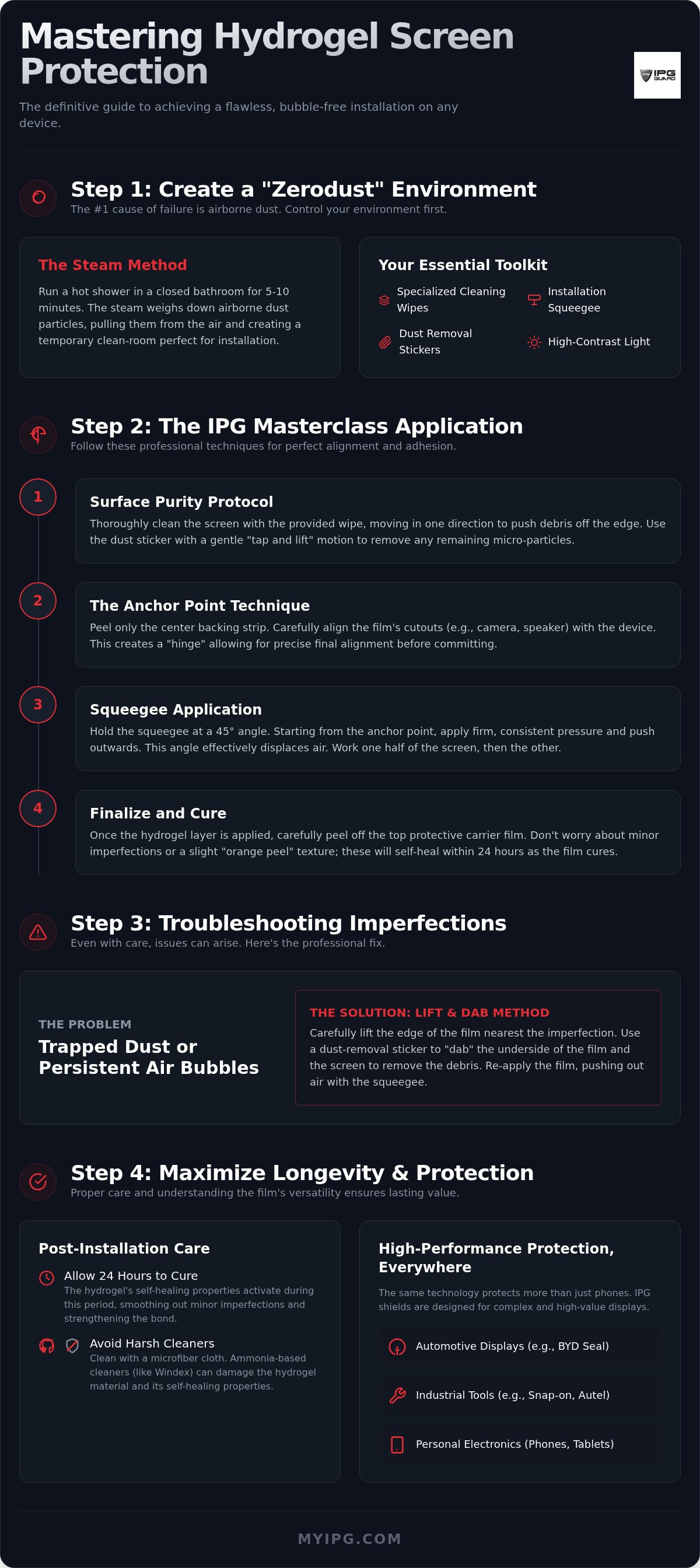
The Steam Method is your best defense. Run a hot shower in a small bathroom for several minutes until the air is humid. The moisture binds to floating dust, pulling it to the floor. This creates a temporary clean-room environment. It's the professional secret to a bubble-free result. Once the air is settled, bring your device and tools into the space.
Organize your workspace with these essentials:
- IPG specialized cleaning wipes
- High-tension installation squeegee
- Precision dust-removal stickers
- High-contrast directional light source
Inspect your device under high-contrast lighting. View the screen from a side angle to spot micro-debris that standard overhead lights hide. Even a single speck will cause a visible bubble once the film is seated.
The IPG Zerodust Protocol
This protocol is a systematic approach to surface purity. Use the specialized IPG cleaning solution to break down fingerprints and factory coatings. Wipe in one direction to move debris off the edge. Traditional Screen protector materials often fail because of "invisible" oils. These skin lipids create microscopic gaps between the glass and the hydrogel film. Use dust-removal stickers with a gentle "tap and lift" motion. Avoid dragging the sticker. This ensures you grab particles without leaving adhesive residue on the display.
Handling the Hydrogel Film
Clean your fingertips before touching the film. Even "clean" hands carry oils that can ruin the adhesive layer instantly. Identify the active hydrogel layer between the protective carrier sheets. One side is the active adhesive; the other is a sacrificial layer for the installation process. Keep the backing firmly attached until the final alignment check. Removing it too early invites contamination. Mastering how to install hydrogel screen protector films starts with protecting the product itself before it ever meets the device. Maintain the integrity of the film to ensure the integrity of your screen.
The IPG Masterclass: Step-by-Step Hydrogel Installation
Preparation is complete. Now, focus on the physical application. Unlike rigid tempered glass, the IPG Original (Hydrogel) Screen Protector is a flexible, elastic polymer. It requires a specialized approach to ensure perfect adhesion without stretching the material. Mastering how to install hydrogel screen protector films is about managing this elasticity while maintaining absolute alignment.
Use the Anchor Point technique. Align the film's cutouts with the device's camera lens or speaker grill first. This small contact area acts as a hinge. It allows you to check the alignment of the entire sheet before committing to the full surface. Modern hydrogel films often utilize a split-film design. The backing is divided into sections. Never peel the entire backing at once. Peel the center strip first to anchor the film, then work on the top and bottom halves individually to prevent dust intrusion.
Alignment and Initial Tacking
Precision is paramount. Use the camera lens as your primary guide. If the protector is even a millimeter off, it will lift at the edges later. Use the tack and lift method. Press the anchor point down lightly. If it is crooked, lift it immediately. Hydrogel is forgiving during these first few seconds. Ensure edge-to-edge symmetry. The gap between the film and the device frame should be uniform on all four sides. This symmetry is vital for case compatibility and long-term security.
The Squeegee Technique
Consistent, medium pressure is the key to a bubble-free finish. Hold your squeegee at a 45-degree angle. This specific angle is optimal for air displacement. It pushes air forward rather than trapping it under the film. Move from the center outward in a smooth, continuous motion. If you have a curved display, like those on many Samsung devices, use the squeegee to follow the contour of the glass. Apply slightly more pressure on the curves to ensure the adhesive bonds to the radius of the screen.
The final step is the most satisfying. Peel away the top protective carrier layer to reveal the crystal-clear IPG Original shield. Any remaining micro-bubbles are usually temporary. Modern polymer matrices are designed to absorb these imperfections within 8 to 12 hours as the adhesive cures. Your patience during this period ensures a professional, factory-grade finish that protects what you value most.
Troubleshooting: How to Get Air Bubbles Out of Screen Protectors
Don't panic. Imperfections are a normal part of the initial application phase. Learning how to install hydrogel screen protector films involves knowing when to intervene and when to wait. You must first differentiate between air and debris. Air bubbles are clear, fluid, and often vanish on their own. Dust particles are different. They appear as small, opaque specks and require immediate action to prevent permanent distortion of the IPG Original (Hydrogel) Screen Protector. Stop pushing. If you obsessively squeegee a bubble, you risk stretching the elastic fibers. This creates a "milky" haze that won't disappear.
Dealing with Trapped Dust
Use the Lift and Dab method. Professionals never use fingernails to lift a film corner; this causes permanent "dog-ear" creases and adhesive failure. Instead, use a dust sticker to gently peel back the edge nearest the particle. Once lifted, use a second sticker to form a loop. Dab the adhesive side of the protector to fish out the lint. This loop technique keeps your fingertips away from the sensitive bonding layer. Once the debris is gone, let the film fall back into place. Re-seal the edge with your squeegee using light, outward strokes to ensure a seamless finish.
The Self-Healing Miracle
The material science behind hydrogel is revolutionary. These films use a high-density polymer matrix designed to "flow" back into place. While 2026 innovations have reduced self-healing times for micro-scratches to just 8 to 12 hours, the Patience Rule still applies to the installation process. Most micro-bubbles are actually tiny pockets of air that the breathable hydrogel material will absorb within 24 hours. The adhesive needs time to cure and settle against the glass surface.
Avoid over-manipulating the material. If a bubble is clear and smaller than a grain of rice, leave it alone. The natural heat generated by your device's display during normal use can actually assist this curing process. If you feel compelled to use external heat, such as a hairdryer, use the lowest setting and maintain a distance of at least 10 inches. Excessive heat will melt the polymer and ruin the shield. Trust the technology you've invested in. Your screen will be crystal clear by tomorrow morning if you simply give it the time it needs to heal.
Beyond the Phone: Installing Protectors on Cars and Industrial Tools
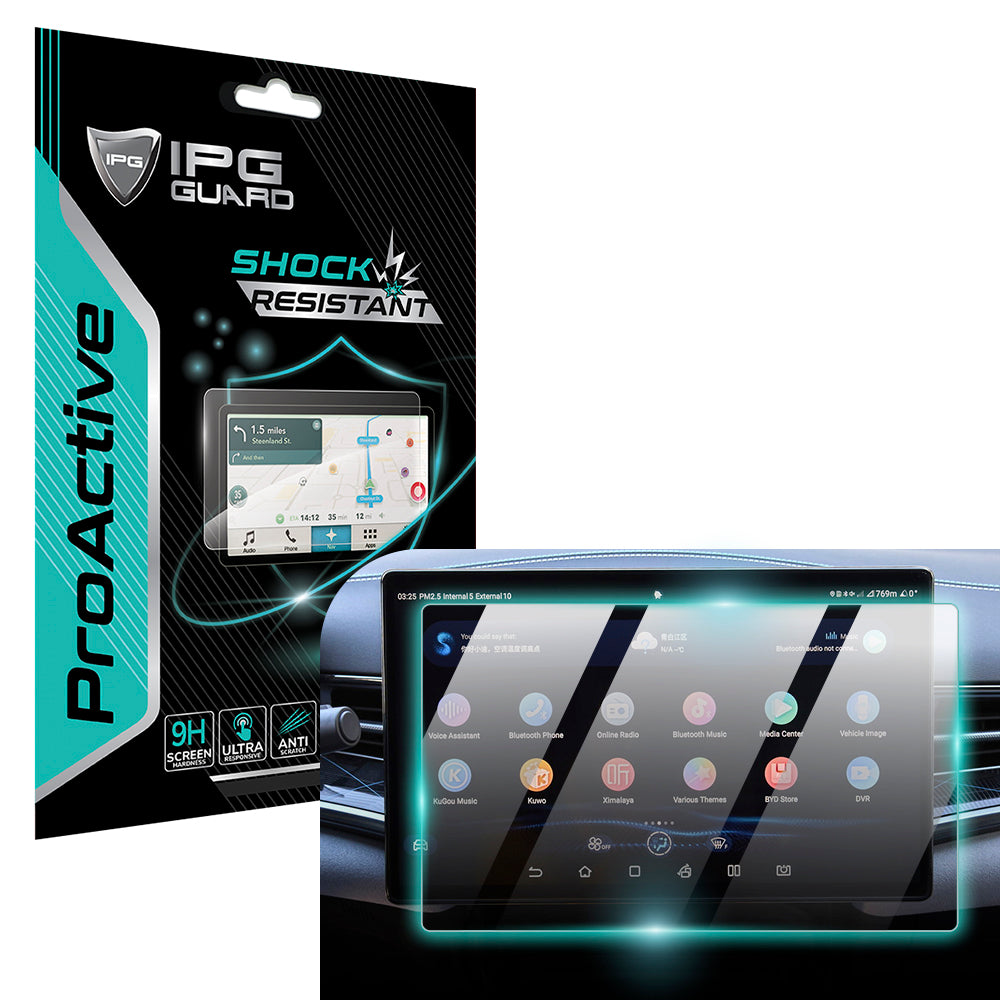
Protection isn't a luxury for your specialized gear; it's a necessity. Your high-value investments extend far beyond your pocket. Whether you are shielding a 15.6-inch BYD Seal navigation unit or a ruggedized Snap-on diagnostic tool, the stakes are higher. Large-format displays and industrial equipment face environmental stressors that smartphones never encounter. Mastering how to install hydrogel screen protector films on these surfaces requires a shift in scale and strategy.
Marine electronics, such as the Lowrance Eagle 4" Elite, demand a watertight seal to prevent salt spray from reaching the bezel. Similarly, motorcycle clusters like the Harley Cluster Display protector must withstand intense UV exposure and rapid temperature fluctuations. Our IPG Original films are engineered to remain stable from -40°C to 105°C, ensuring your critical data remains visible in the harshest conditions.
Automotive Navigation Screens
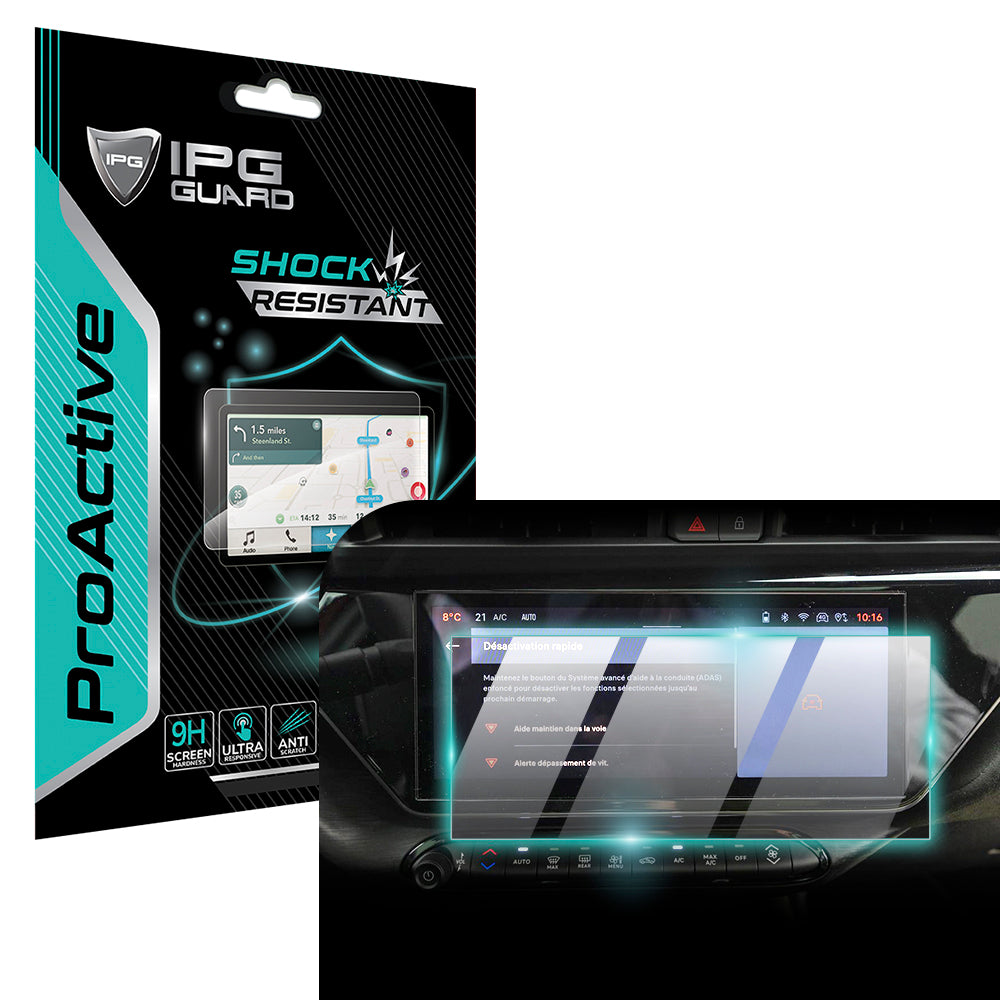
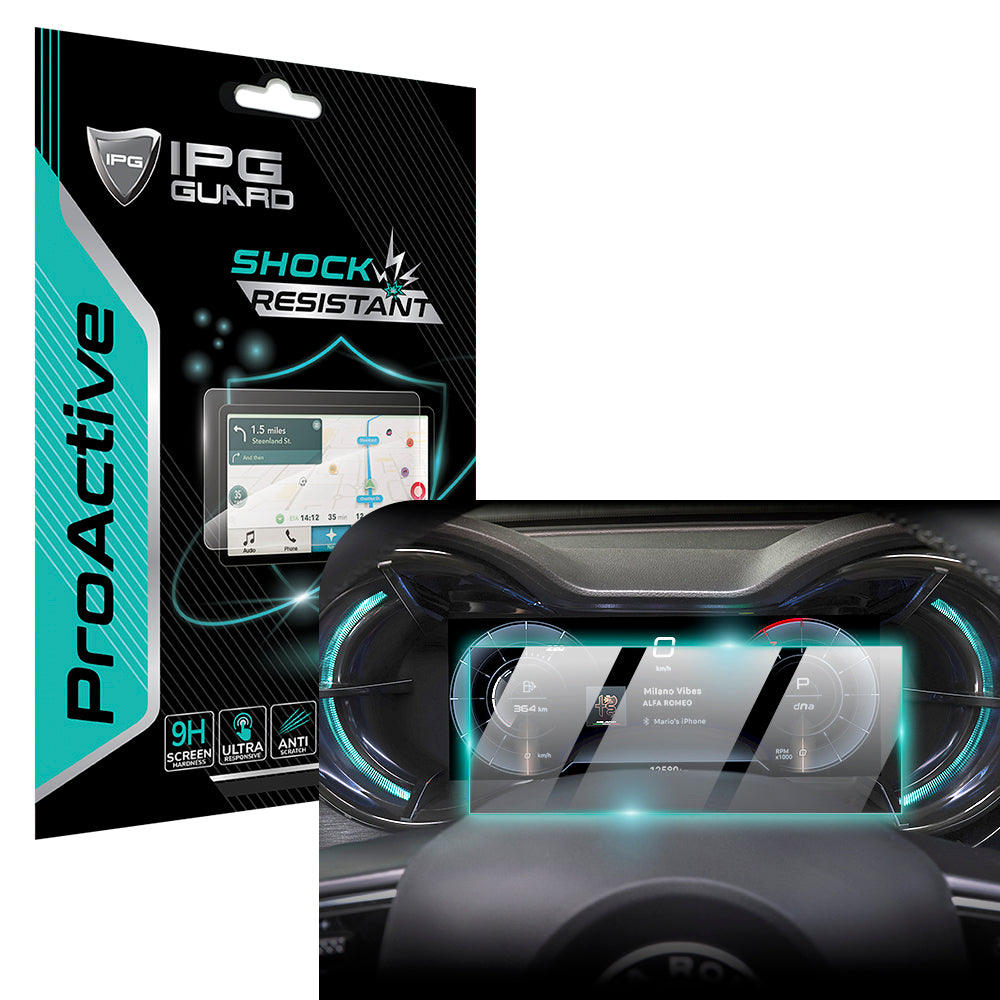
Large displays in a Tesla Model 3 or BYD Seal act as thermal magnets. Never attempt an installation in a vehicle parked in direct sunlight. High cabin temperatures cause the hydrogel to expand, leading to misalignment. Control your airflow. Turn off the AC or fans to prevent dust from circulating within the confined space. For a deep dive into material selection for your vehicle, consult our Car Screen Protector Buying Guide 2026. Dry application is mandatory for infotainment systems to avoid moisture ingress near sensitive dashboard electronics. Focus on anti-glare properties to maintain safety during high-sunlight driving hours.
Heavy-Duty Industrial Displays
Shop environments are notoriously hostile. Tools like the Autel MaxiSYS MS919 or Snap-on Triton Apollo Solus face constant exposure to grease, brake fluid, and physical impact. Clean the display twice. Industrial oils are stubborn and will prevent the hydrogel from bonding correctly. We recommend using IPG ProActive films for these devices. This material provides enhanced impact resistance while maintaining the extreme touch sensitivity required for complex diagnostic menus. Ensure your hands are completely degreased before handling the film to avoid leaving permanent shadows under the shield.
Your specialized equipment deserves a dedicated guardian. Secure your professional tools today by choosing the IPG Original (Hydrogel) Screen Protector designed for your specific industry model. Protecting these assets preserves their resale value and ensures your operations never stop due to a shattered display.
Maximizing Longevity: Post-Installation Care for Your IPG Shield
Successful application is the first step in a long-term partnership with your device. Once you've mastered how to install hydrogel screen protector films, your focus must shift to preservation. The initial 24 hours are critical. This is the "curing phase" where the polymer adhesive establishes a molecular bond with the display surface. You might notice tiny imperfections or a slight "orange peel" texture immediately after application. Don't interfere. As discussed, the IPG Original matrix is designed to settle and clarify within 12 to 24 hours. Avoid placing the device in tight pockets or rugged cases during this window to prevent edge-lift before the bond is permanent.
Cleaning and Maintenance
Maintain your shield with care. Never use ammonia-based window cleaners or harsh household detergents. These chemicals strip the oleophobic coating, the specialized layer responsible for fingerprint resistance and smooth touch gestures. Instead, use a clean microfiber cloth dampened with a small amount of distilled water. For deeper sanitation, use a specialized screen cleaner formulated specifically for TPU materials. Microfiber hygiene is equally important. A dirty cloth traps grit that acts like sandpaper against the film. Wash your cloths regularly in warm water without fabric softener to keep them soft and effective. This disciplined approach ensures your display remains as clear as the day you completed the installation.
Removal and Upgrading
Eventually, your shield will reach the end of its service life. You'll know it's time for a replacement if you see deep gouges that exceed the self-healing capacity or significant lifting at the corners. Removal is a clean, simple process. Unlike cheap plastic films that leave a sticky mess, the IPG Original series uses a residue-free adhesive. To begin, use a piece of stiff card or a specialized plastic tool to lift one corner. Never use metal blades. For a comprehensive walkthrough on this process, see our guide on How to Safely Remove a Screen Protector.
Adopting a "Guardian" mindset means viewing protection as an investment in performance. Whether you're maintaining a smartphone or an industrial diagnostic tool, consistent care extends the life of both the protector and the hardware beneath it. By following these professional maintenance protocols, you ensure that your technology remains secure, functional, and pristine through years of heavy use. Understanding how to install hydrogel screen protector shields is only half the battle; the rest is the stewardship of your most valued items.
Future-Proof Your Technology with Professional Precision
You now possess the specialized knowledge required to protect your most valuable displays. Mastering how to install hydrogel screen protector films ensures your hardware remains pristine. By controlling your environment with the Zerodust protocol and applying the Anchor Point technique, you've moved from amateur guesswork to professional-grade execution. Whether you are shielding a smartphone or a complex automotive navigation system, the result is a crystal-clear, durable barrier that preserves the integrity of your tech.
IPG Original Hydrogel is more than a simple film; it's a commitment to longevity. Our precision-cut patterns support 10,000+ devices, making us the trusted choice for automotive and industrial professionals worldwide. With advanced self-healing technology, micro-scratches vanish, leaving your screen looking factory-new. Secure your devices with the IPG Original Hydrogel Shield today and experience the ultimate peace of mind. Your technology deserves a dedicated guardian. You're ready to protect what matters most.
Frequently Asked Questions
How long does it take for bubbles to disappear from a hydrogel protector?
Most micro-bubbles disappear within 8 to 24 hours as the polymer adhesive cures and settles. The breathable nature of the IPG Original material allows tiny trapped air pockets to dissipate naturally. Don't press or manipulate the film during this period. Excessive pressure can stretch the hydrogel fibers and cause permanent distortion. If you followed the guide on how to install hydrogel screen protector films correctly, patience is your final tool.
Can I wash and reuse a hydrogel screen protector?
You cannot wash or reuse a hydrogel screen protector once the adhesive layer has been exposed and applied. The specialized bonding agent is designed for a single, permanent application to ensure maximum clarity and security. Attempting to remove, wash, or reapply the film will compromise its structural integrity and attract airborne contaminants. This results in poor adhesion and visible imperfections. For a fresh start, always use a new, precision-cut IPG shield.
Is hydrogel better than tempered glass for curved screens?
Hydrogel is the superior choice for curved displays because of its inherent flexibility and elastic properties. While tempered glass is rigid and prone to "halo" lifting on curved edges, the IPG Original film wraps seamlessly around the radius of modern smartphone screens. This ensures edge-to-edge protection without gaps. The material conforms to the device's unique geometry, providing a secure fit that rigid glass simply cannot match on complex surfaces.
Will a hydrogel protector affect the fingerprint scanner on my Samsung?
The IPG Original film will not interfere with the ultrasonic or optical fingerprint scanners on your Samsung device. Our hydrogel protectors are engineered with an ultra-thin profile, typically between 0.15mm and 0.2mm, to maintain high touch sensitivity and biometric accuracy. You don't need to re-register your fingerprints after installation. The high-performance polymer ensures that light and sound waves pass through the shield without the distortion often caused by thicker glass alternatives.
What should I do if the edges of my screen protector are peeling?
Peeling edges are usually caused by microscopic dust particles or skin oils trapped during the initial application. If the lift is minor and free of debris, you can try pressing it down with a clean squeegee from the center outward. However, if the adhesive has been contaminated by lint or grease, the film will not re-bond permanently. In these cases, it's best to replace the protector to maintain the guardian-level security of your display.
Do I need a professional to install my Tesla navigation screen protector?
You don't need a professional to secure your Tesla Model 3 or Model Y display if you follow a methodical approach. Our precision-cut patterns are designed for DIY success in a controlled environment. Focus on managing cabin temperature and ensuring a dust-free workspace. Learning how to install hydrogel screen protector kits on large-format automotive screens is straightforward when using the Anchor Point technique. This allows you to align the 15-inch display shield with confidence.
Does the IPG Original film affect the clarity of my camera lens?
The IPG Phone camera lens protector is manufactured with high-index optical polymers to ensure zero impact on photo quality. These shields provide 99.9% light transmission, preventing the lens flare or ghosting effects common with inferior plastic covers. You can capture high-resolution images with full confidence that your hardware is protected from scratches and impact. The specialized coating also resists fingerprints, keeping your lens clear for every shot without requiring constant cleaning or maintenance.